Step 6
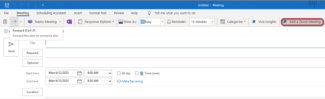
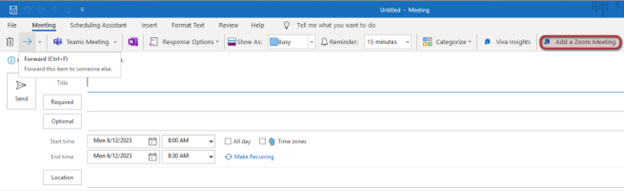
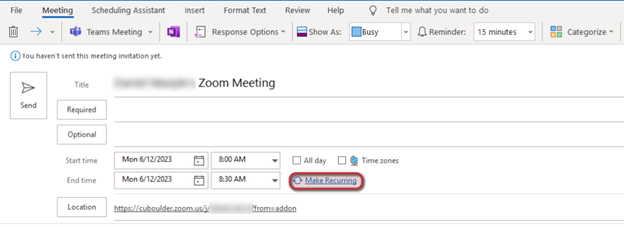
Install the Outlook Zoom add-on if you have not already, then launch Outlook and go to Calendar view.

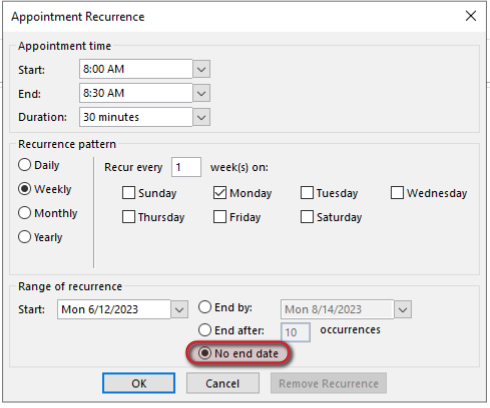
Step 10
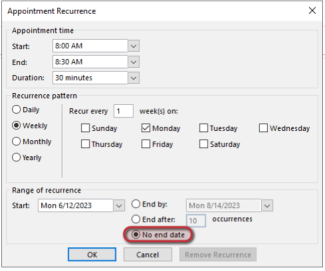
Your Zoom meeting link is now set to not expire.

Install the Outlook Zoom add-on if you have not already, then launch Outlook and go to Calendar view.
Your Zoom meeting link is now set to not expire.



