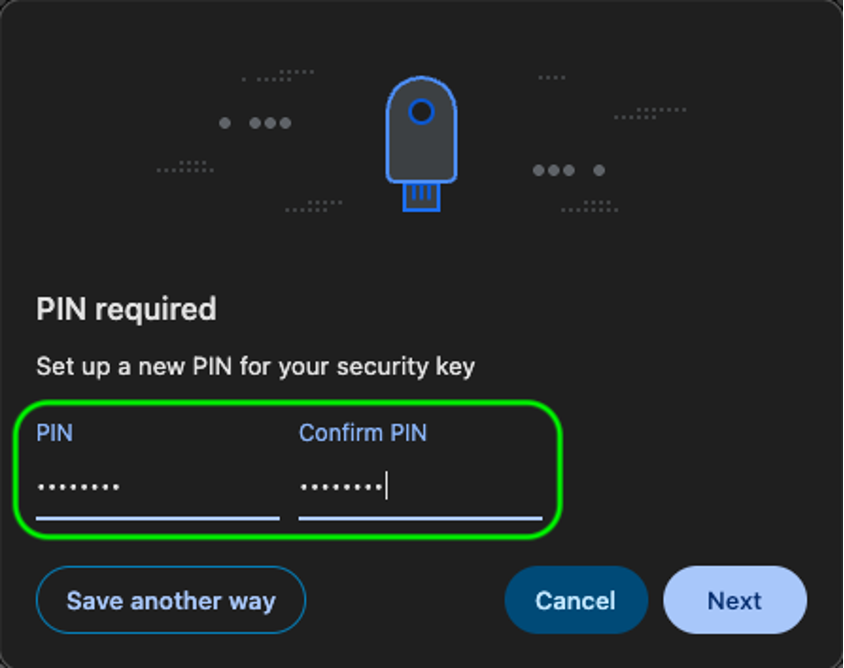
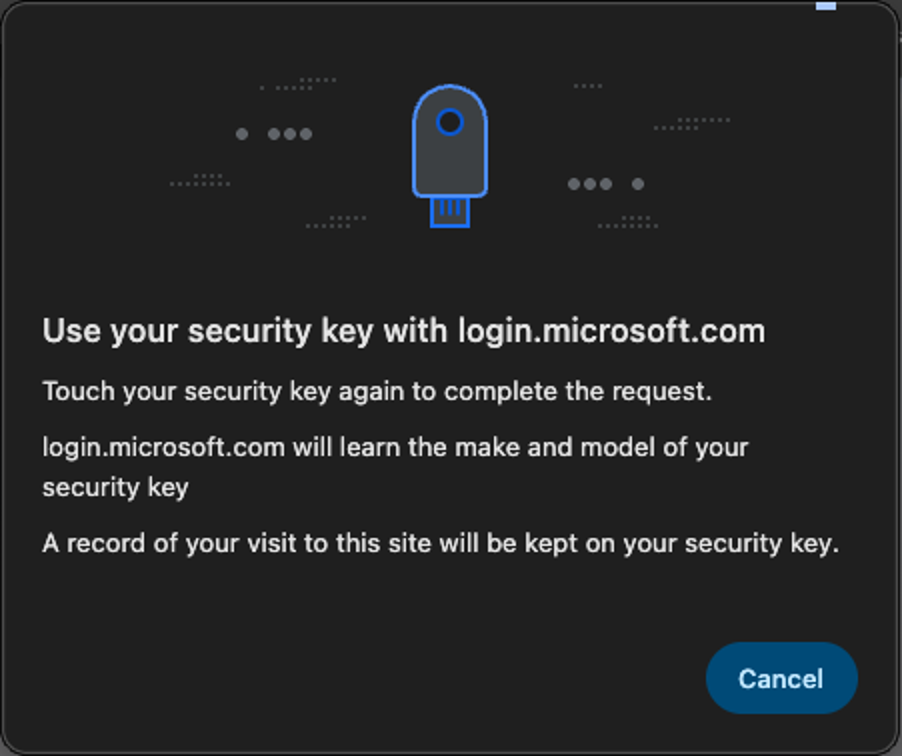
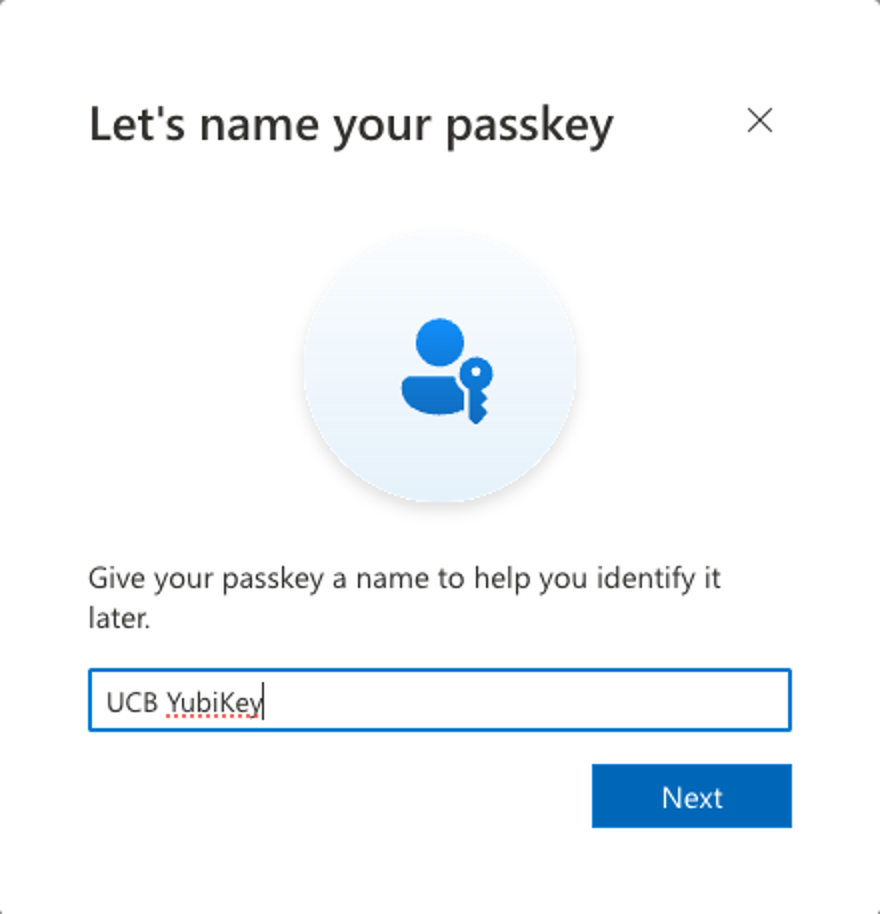
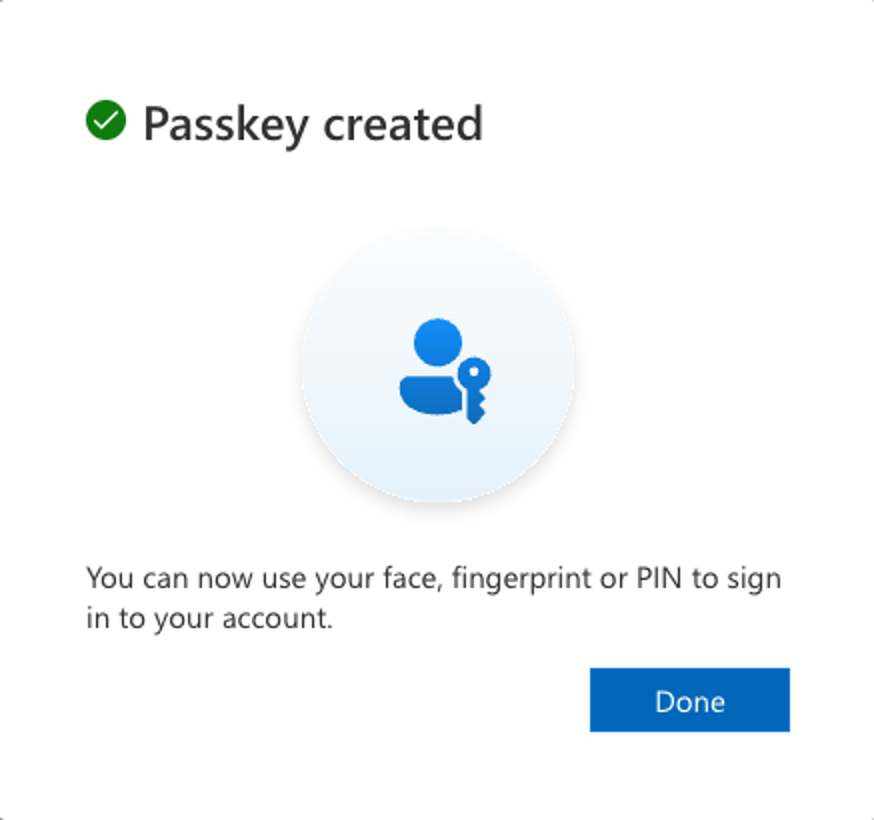
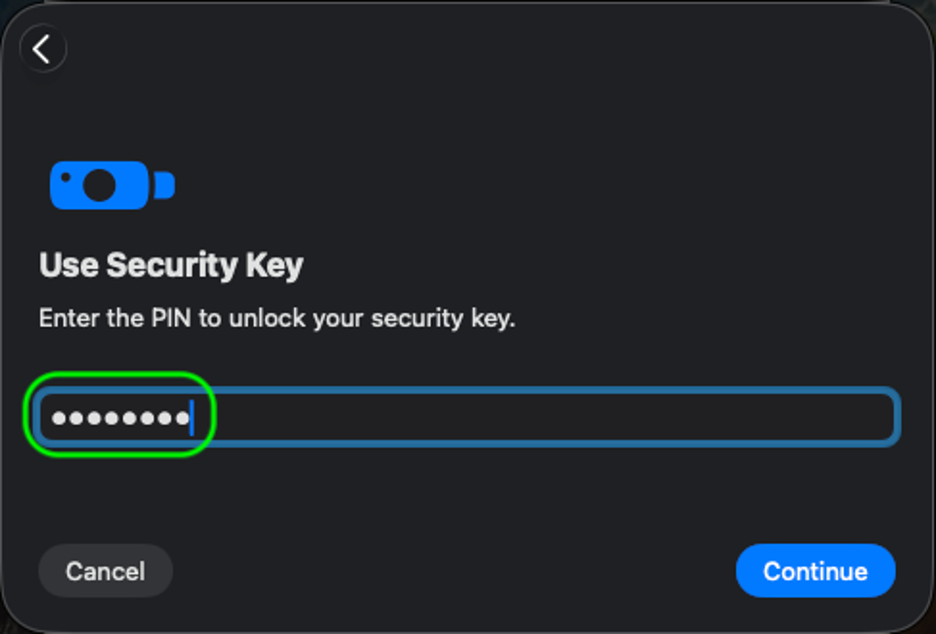
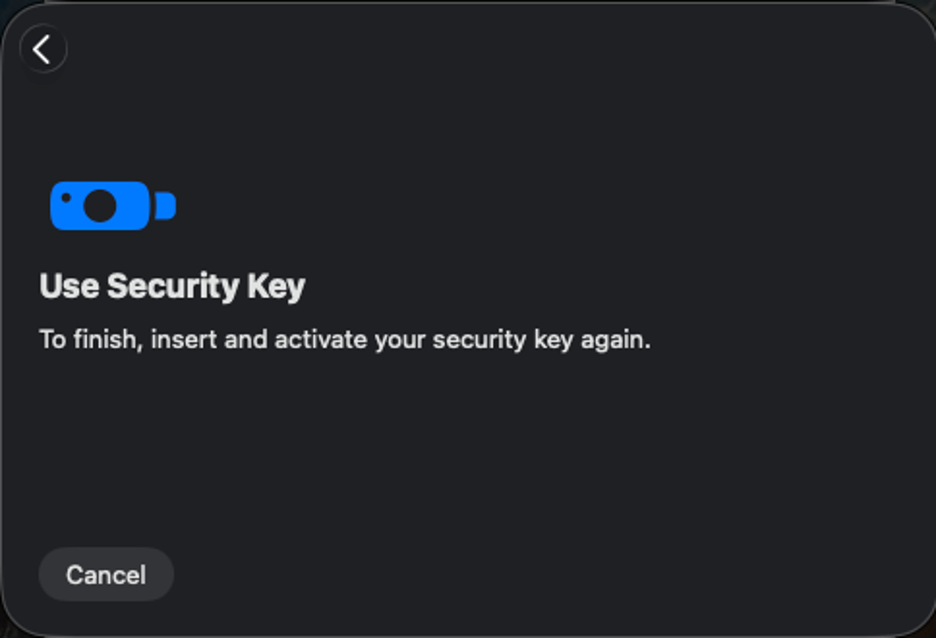
Step 1
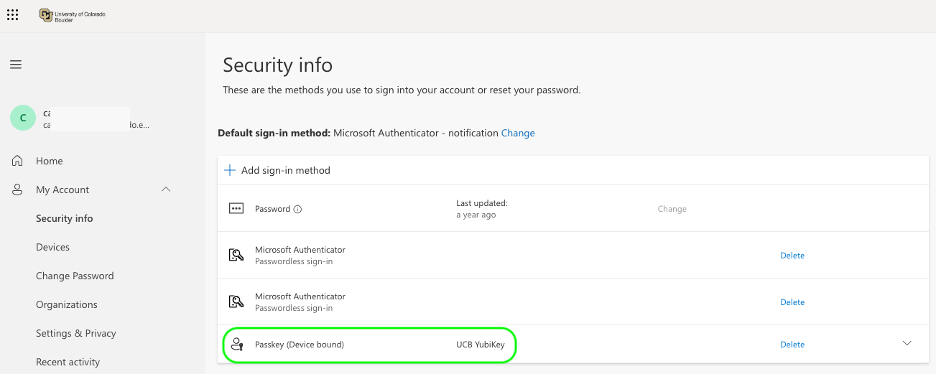
On your Mac, open a new incognito/private Google Chrome window and go to the Microsoft 365 My Account page.
Please note: This process can only be completed in Google Chrome or Microsoft Edge.
Step 2
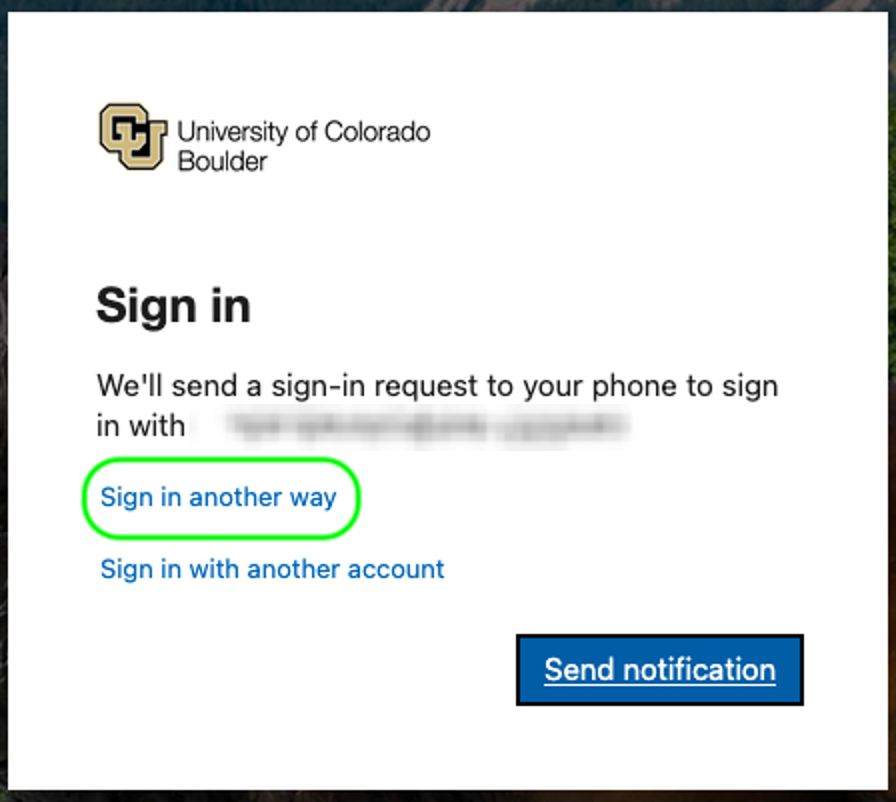
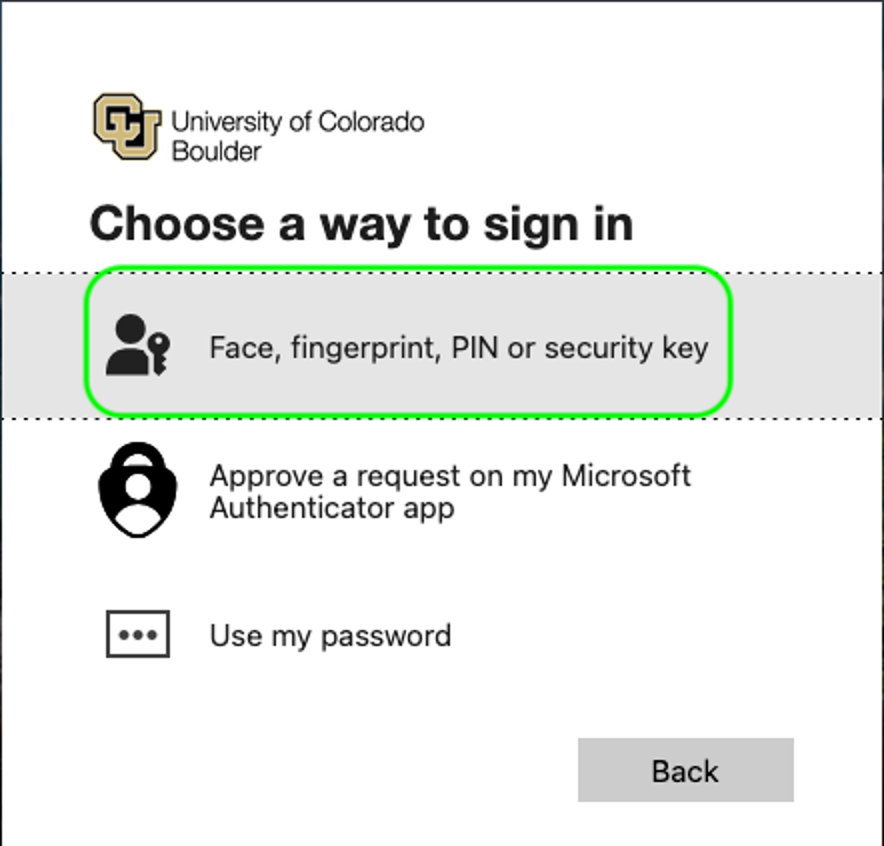
Log in using your IdentiKeyUsername@colorado.edu email address and IdentiKey password, then complete Microsoft MFA using your previously configured authentication method.
Please note: If you have not yet set up Microsoft Authenticator on your smartphone, you will be prompted to do so. Microsoft does not allow you to skip phone setup and go straight to using a YubiKey.

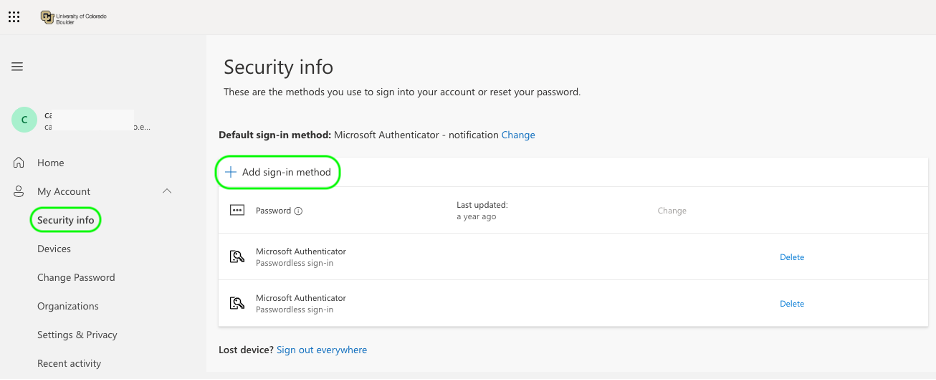
Step 4

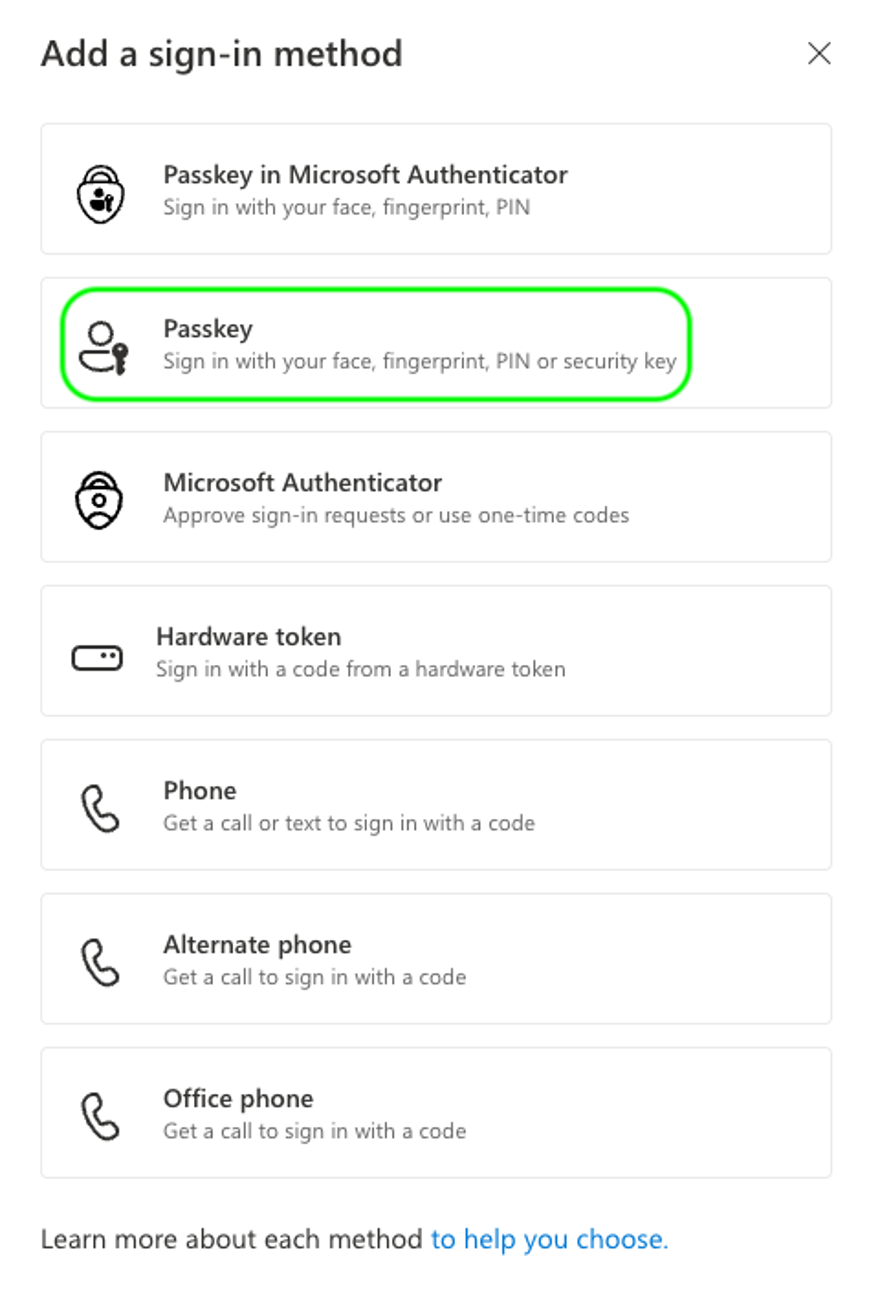
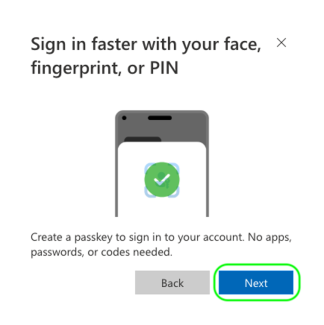
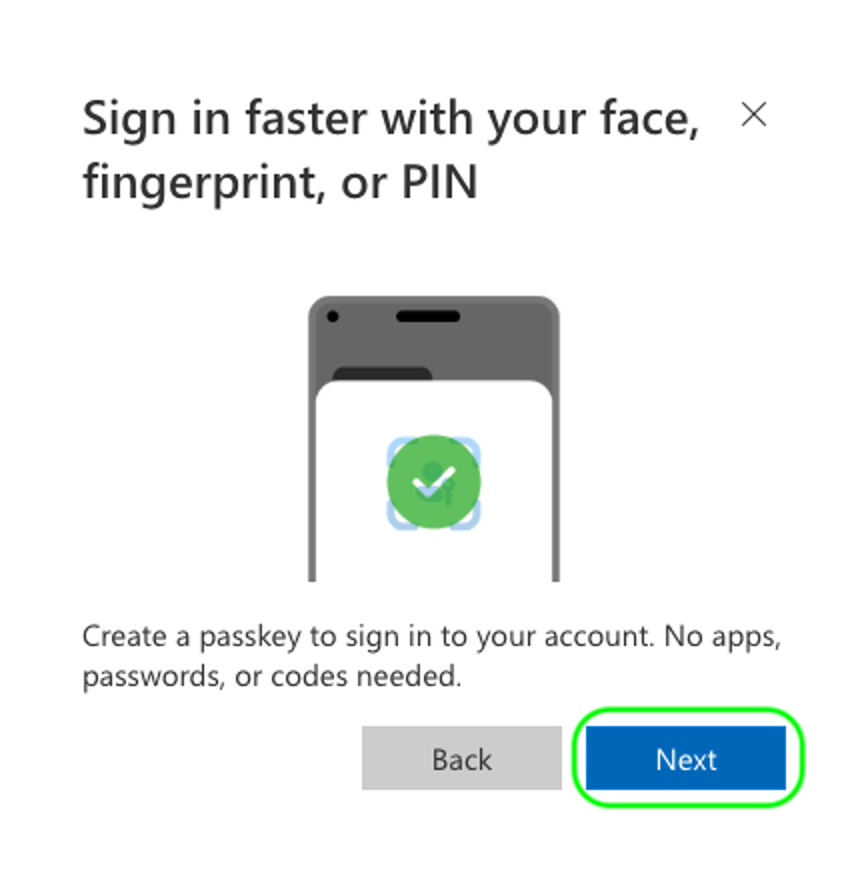
Step 6
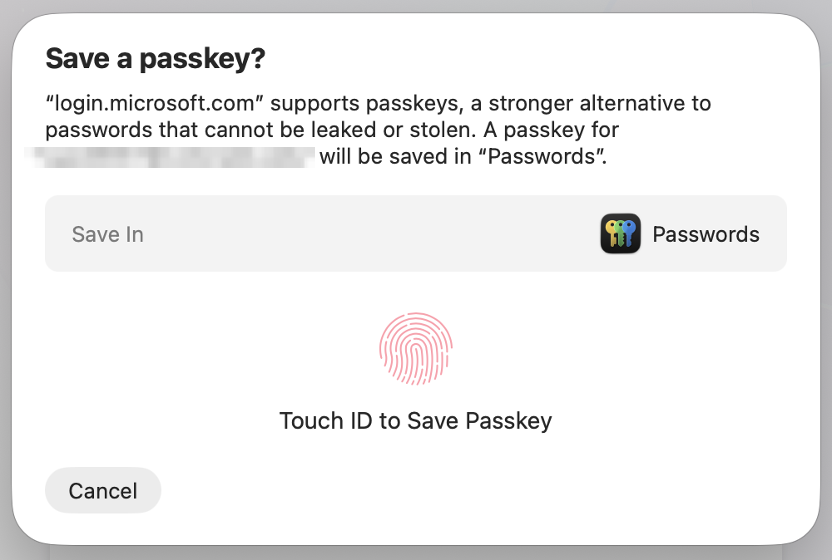
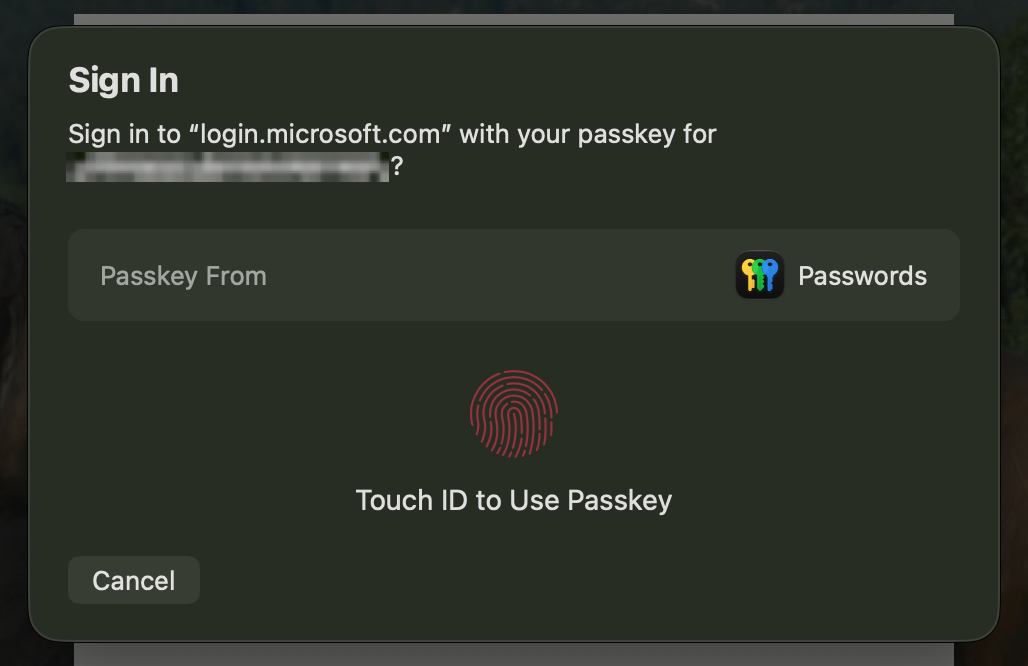
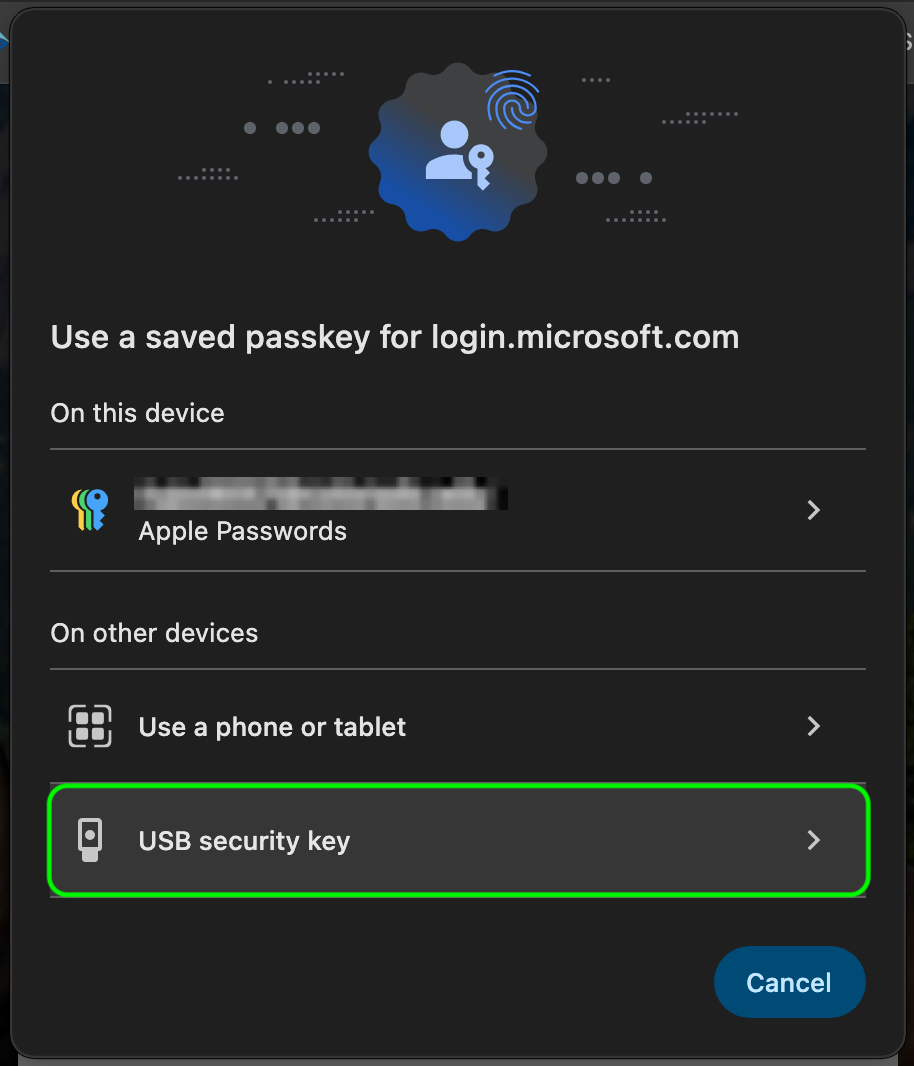
You may get a prompt asking if you want to save the passkey to your iCloud Keychain. If your devices are signed into iCloud with iCloud Keychain enabled, you can select this option to store your passkey to your iCloud account. This method will work on any iOS or macOS device currently logged into your iCloud Account.
If you choose to save the Passkey to your iCloud account, continue to step 11.
If you do not see this prompt, are not sure if you are signed into iCloud on all devices, don’t have an iCloud account, or if you don't want to use this method, select Cancel and continue to step 7.
This window may cover the Chrome prompt. Selecting Cancel only closes this window and won't stop your setup.