
Step 1
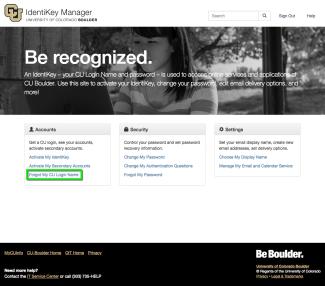
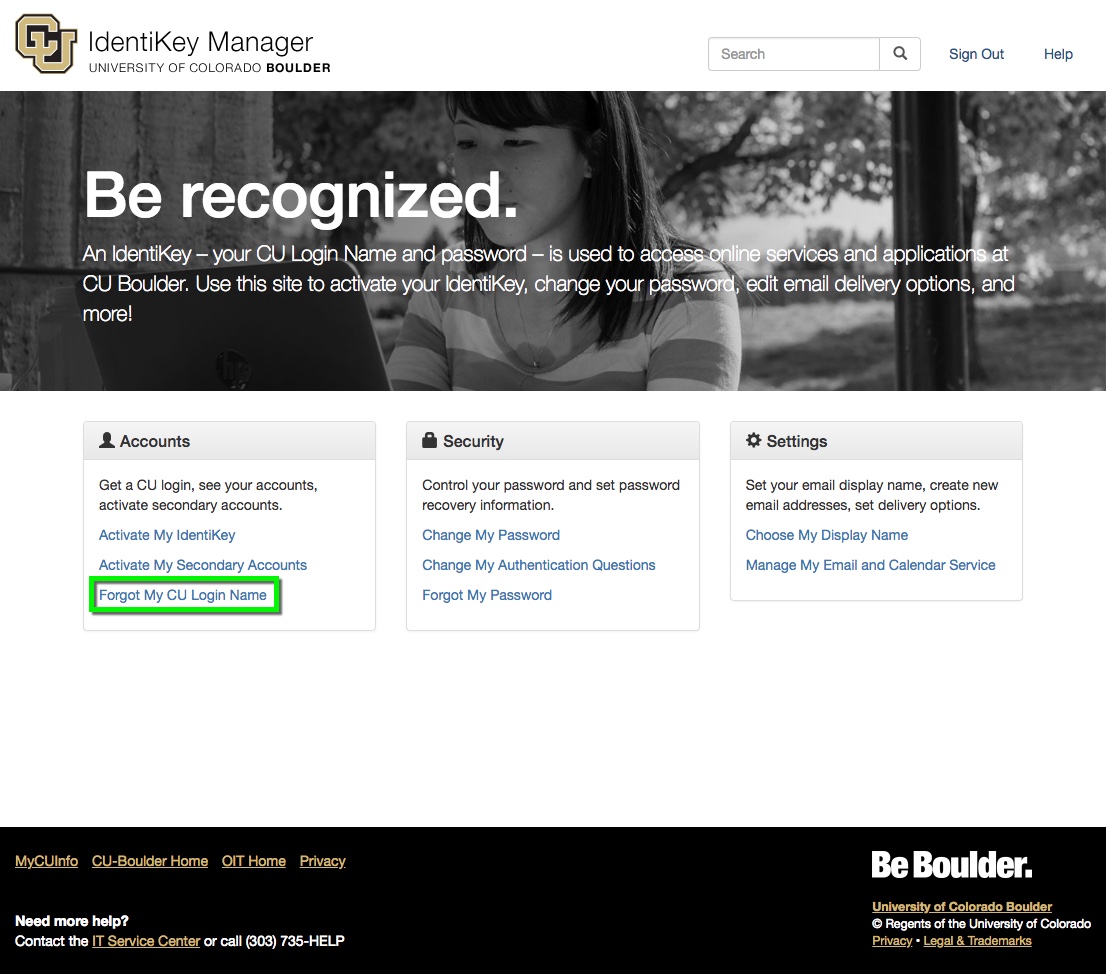
Go to the IdentiKey Manager website (https://identikey.colorado.edu/) and select Forgot My IdentiKey / Username.


Step 4
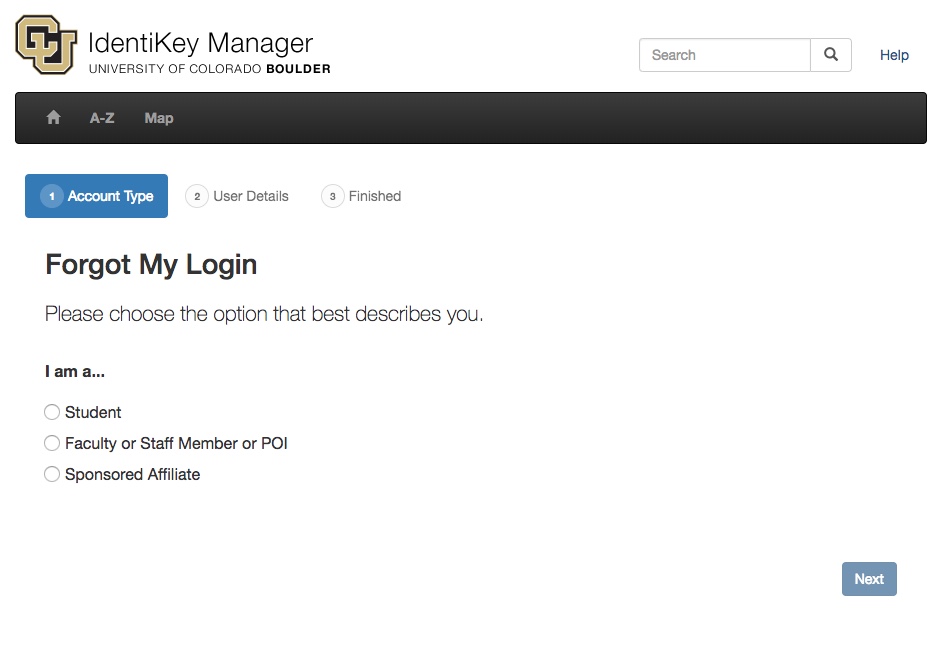
Students & Alumni
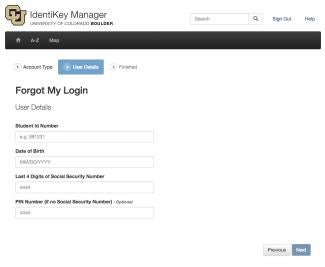
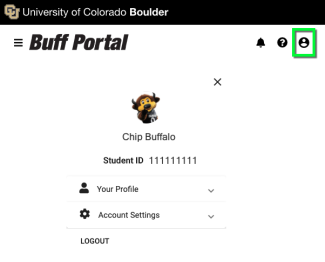
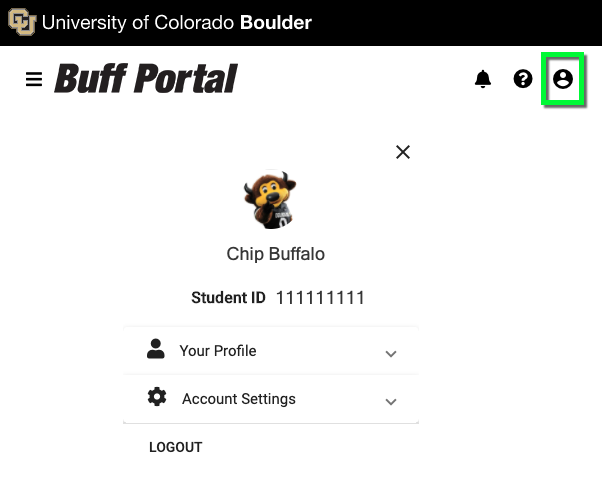
- Student ID Number: A nine-digit number associated with your campus account. If you don't know your student ID number, log in to Buff Portal and look under your profile information or use OIT's Recover Student ID tool. You can also contact the Office of the Registrar to receive your student ID.
- Date of Birth: MM/DD/YYYY format
- Last 4 Digits of Social Security Number: If your Social Security number is not in the system, contact the IT Service Center at 303-735-4357 or oithelp@colorado.edu.
- PIN Number (if no Social Security Number): Your PIN is a four-digit alphanumeric code that can be used to activate your account if you don't have a Social Security number. If you don't know your PIN, contact the IT Service Center at 303-735-4357 or oithelp@colorado.edu.
Step 5
Faculty, Staff, POIs & Retirees
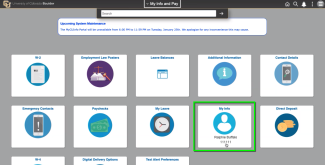
- Employee ID Number: A six-digit number associated with your HR record. If you don't know what your employee number is, log in to MyCUInfo and select My Info and Pay. Your employee ID number will appear on the My Info tile, as well as on each of your paychecks (click the Paychecks tile, then click to open a recent paycheck). If you have trouble finding your employee number, contact your departmental HR liaison. If you don't know who your HR liaison is, contact Human Resources at hrmail@colorado.edu or 303-492-6475.
- Date of Birth: MM/DD/YYYY format
- Last 4 Digits of Social Security Number: If your Social Security number is not in the system, contact the IT Service Center at 303-735-4357 or oithelp@colorado.edu.

Step 6
Sponsored Affiliates
- Contact Email Address: This is the email address you provided when your sponsored account was created. It is generally an external (non-CU) address.
- Date of Birth: MM/DD/YYYY format
- Last 4 Digits of Social Security Number: Instead of your Social Security number, enter the four-digit number that OIT emailed you when your sponsored account was created. If you do not have this number, contact the IT Service Center at 303-735-4357 or oithelp@colorado.edu.
*Note: As of 4/23/2018, CU Boulder no longer collects the last four digits of Social Security numbers for use in claiming sponsored accounts.
Step 7
If you successfully entered your personal information, your IdentiKey username will be displayed.



