
Step 1
- If your device is connected to the internet: Continue to Step 2.
- If your device isn't connected to the internet: Use eduroam, CU Guest or a wired connection to complete this process.
Step 2
Go to wifi.colorado.edu, then click the Install the CU Secure Certificate button.
Step 3
Step 4
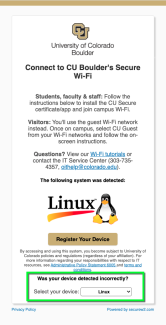
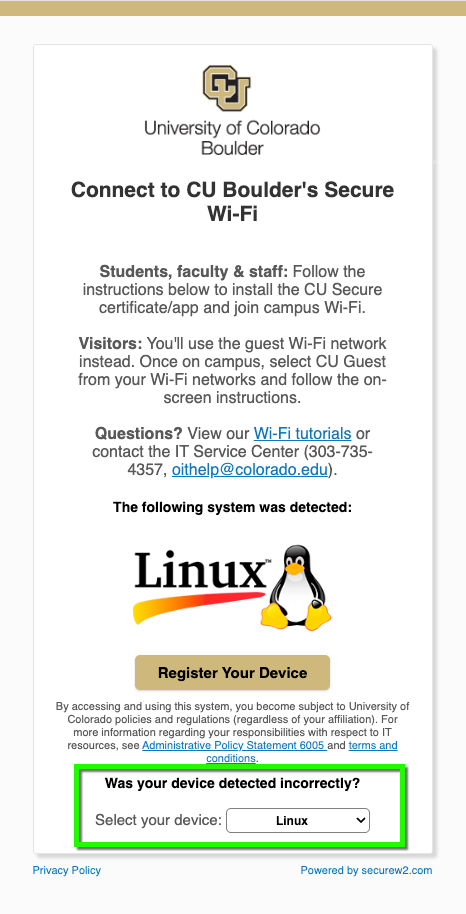
Click Register Your Device to download the certificate.
Please note: To successfully run the shell script, your Linux device needs to have a hostname assigned. If it doesn't, you'll receive an "A device name is required" error.
Step 5
Your system will download the SHELL SCRIPT. When finished, go to your Downloaded items and run the application using the following command:
sh SecureW2_JoinNow.run
Step 6
Run as normal user, not root/sudo.
Step 7
If the certificate installs successfully, you'll receive an email from CU Boulder Secure Wi-Fi (securewifi_noreply@colorado.edu) confirming your device is registered on CU Secure.
Your device should connect to CU Secure Wi-Fi automatically when in range.



