Step 1
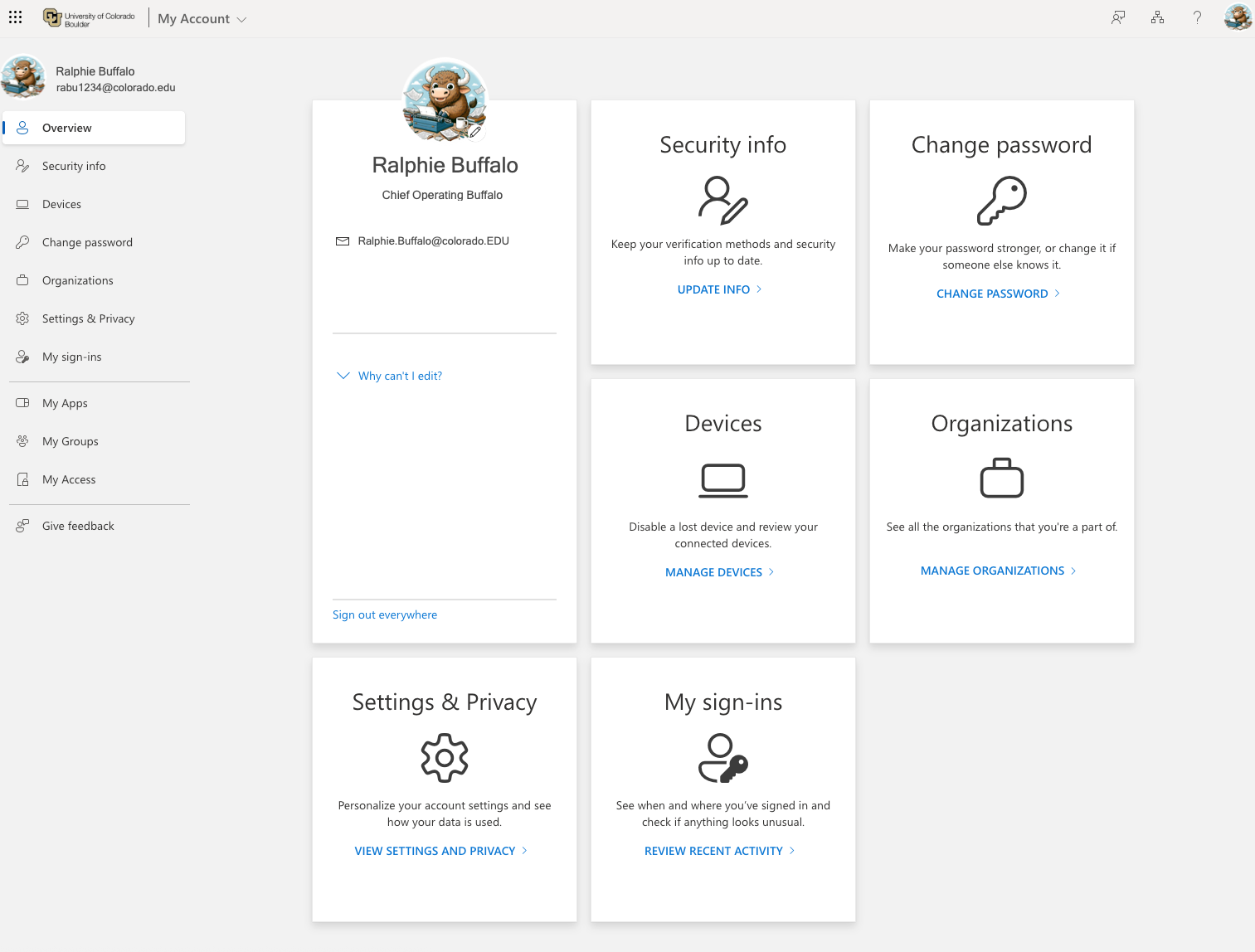
Log in to the Microsoft 365 My Account page. In the Security Info section, select Update Info.
Step 2
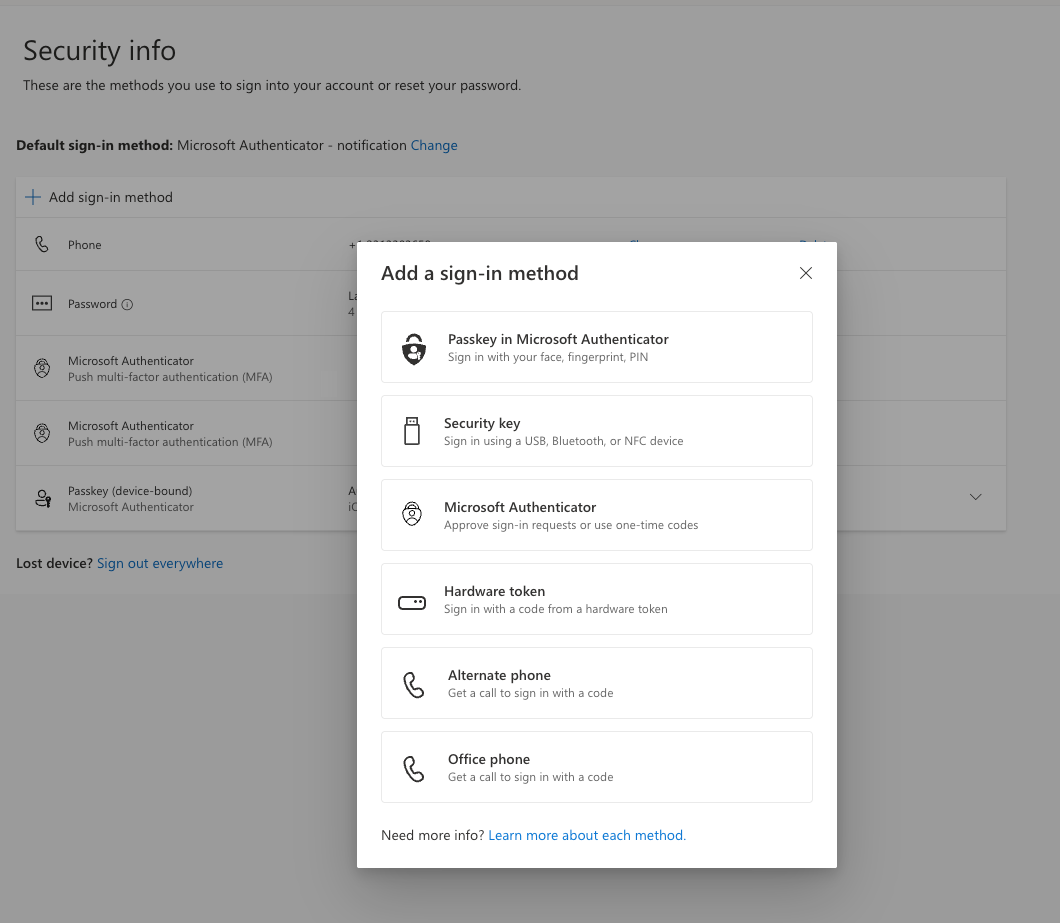
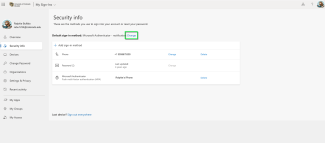
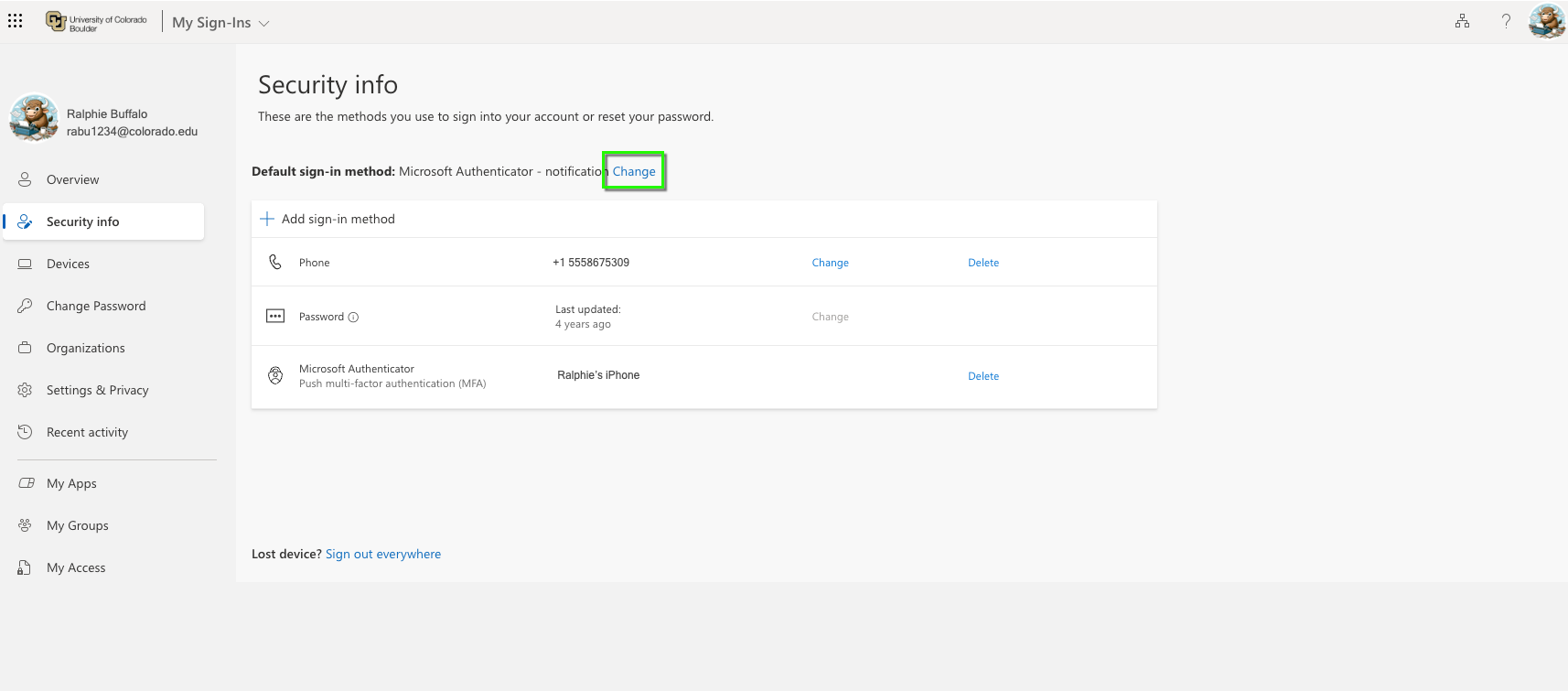
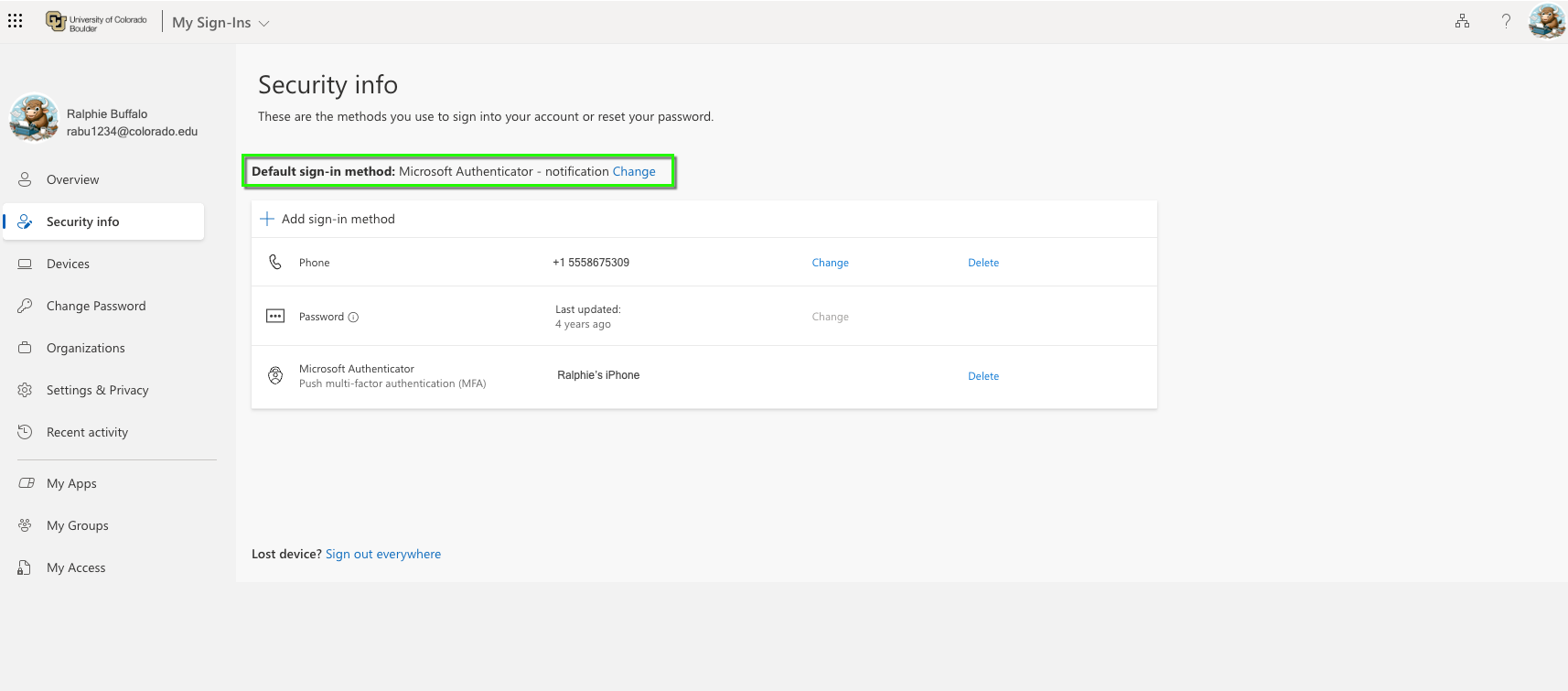
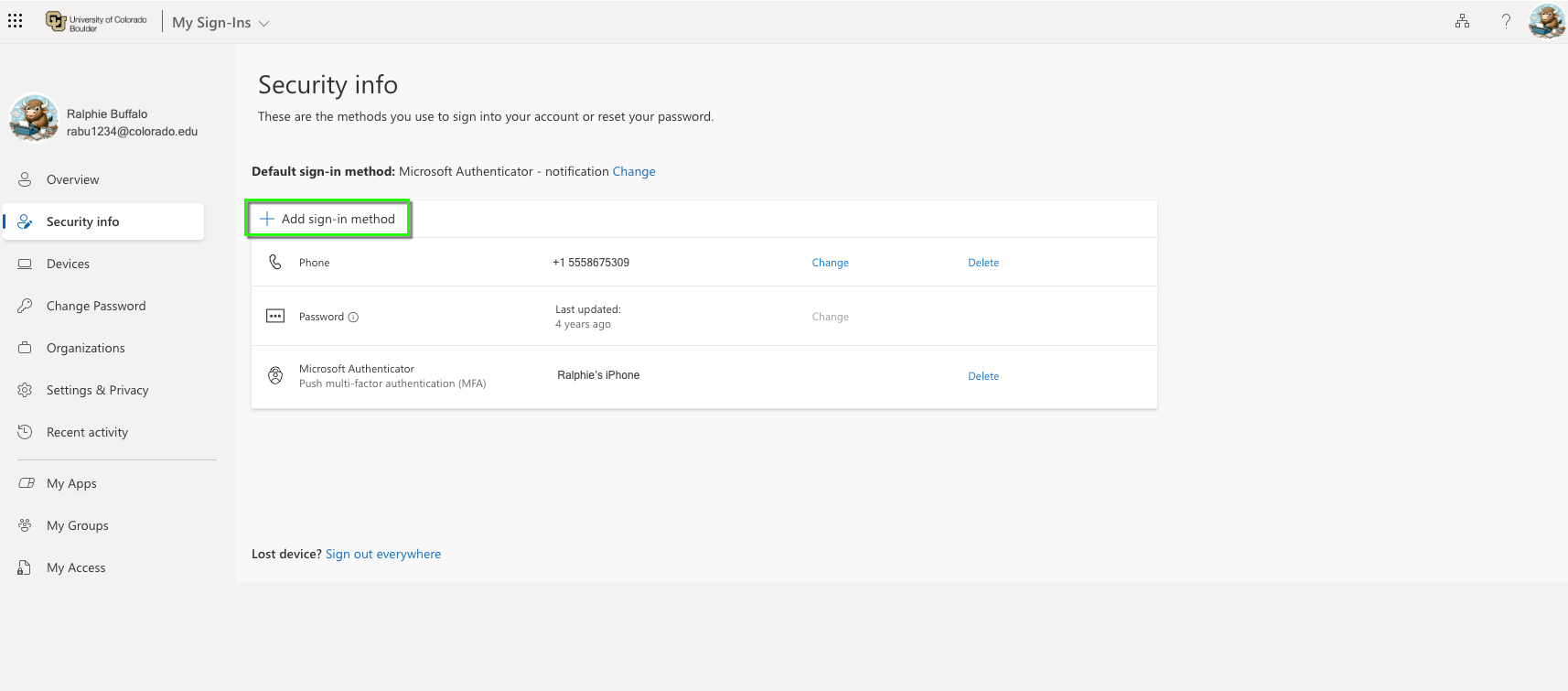
The security info screen will show your default sign-in method and list all authentication methods currently connected to your account. If you followed our Register and Set Up Microsoft Authenticator App tutorial, you will have the Microsoft Authenticator app set as your default method (as shown in screenshot). If you chose another method during set up, it will be shown here.
Step 4
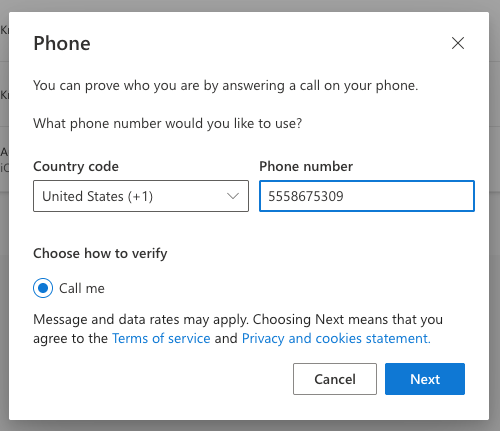
OIT recommends having a back up phone number associated with your account in case you switch phones and need to re-register the app in your new phone. You can also set up a pass key or other methods at this stage. Click Alternate Phone to add a phone number.
Please note: If you are setting up the Authenticator app, check out our Register and Set Up Microsoft Authenticator App tutorial for screenshots of that process.