Step 1
Is your device connected to the internet?
- Yes: Continue to Step 2.
- No: Temporarily connect to an available Wi-Fi network (e.g., eduroam, CU Guest) or use a wired connection.
Step 2
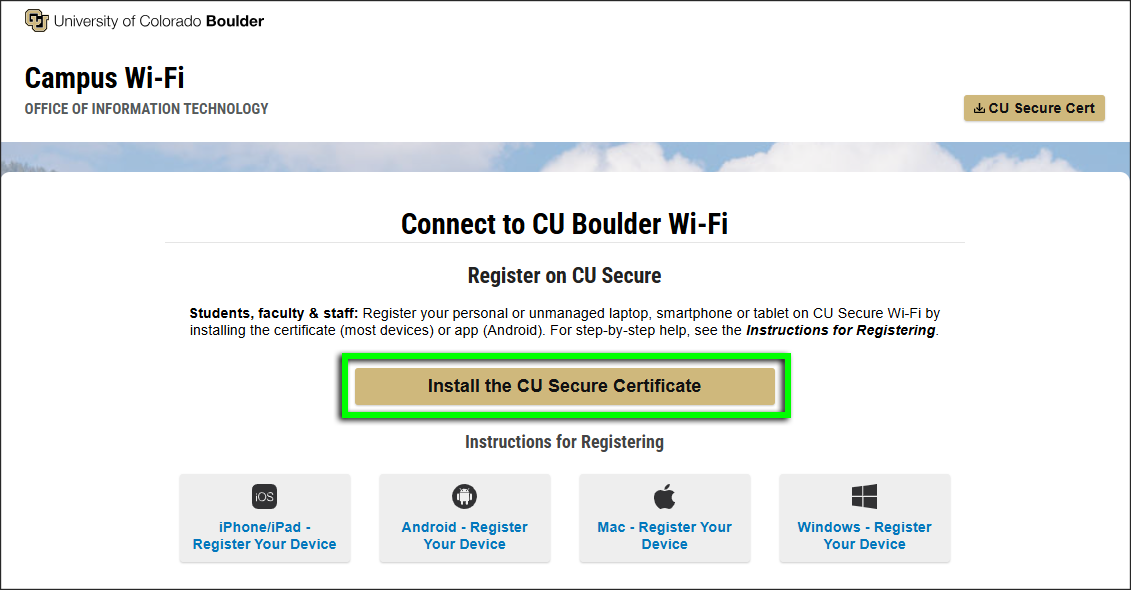
Using Google Chrome (preferred), go to wifi.colorado.edu, then click the Install the CU Secure Certificate button.

Step 3

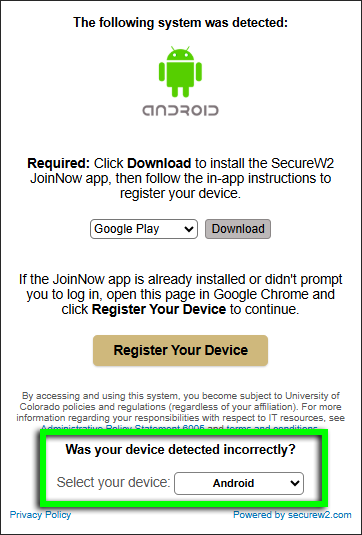

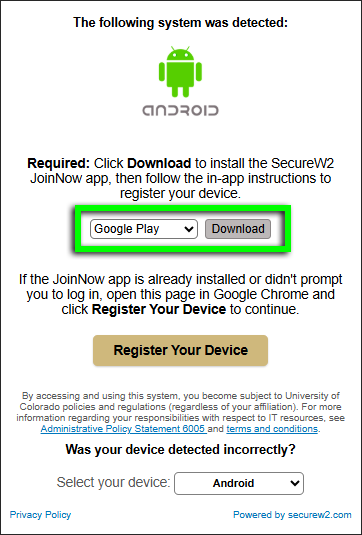
Step 5
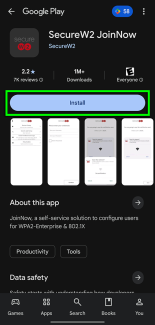
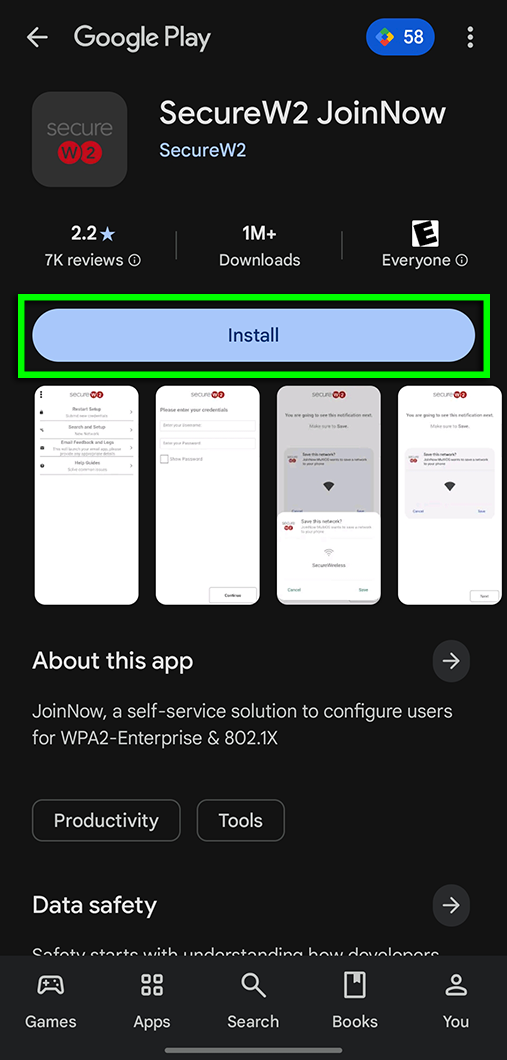
You should be directed to the SecureW2 JoinNow page in the Google Play Store. Click Install.
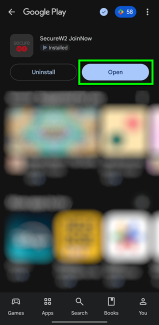
Note: If you see Uninstall and Open buttons instead of Install, then the app is already installed. Return to the download page from Step 3, click the gold Register Your Device button, then continue to Step 7.

Step 7
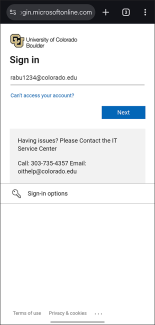
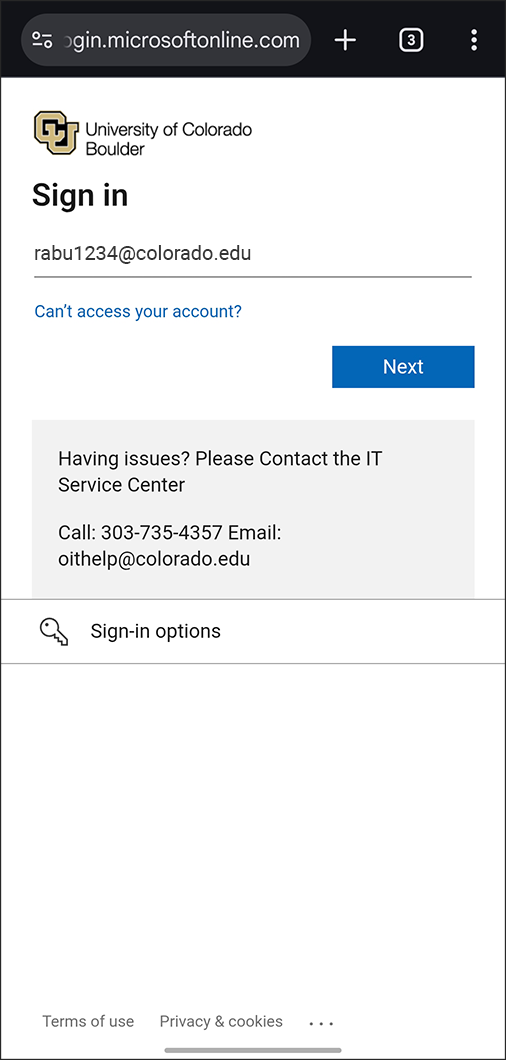
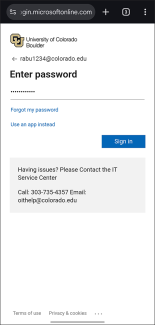
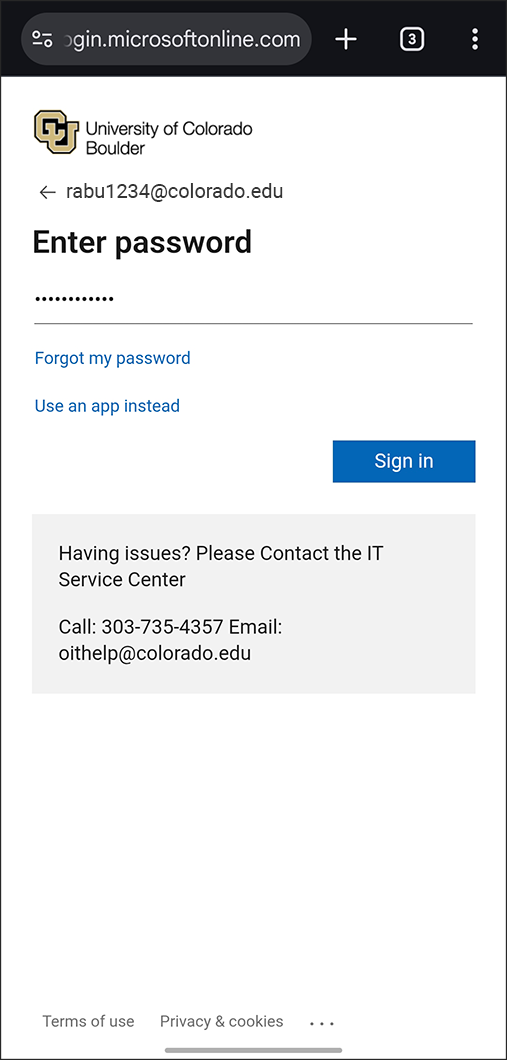
Step 9
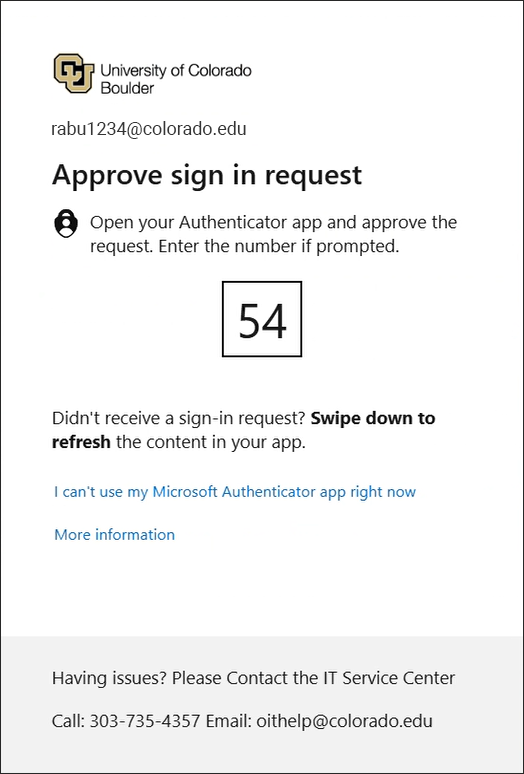
If prompted, complete Microsoft multi-factor authentication.
If you receive an error message, see our troubleshooting page for next steps.
Step 10
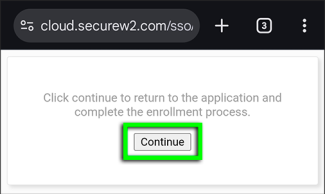
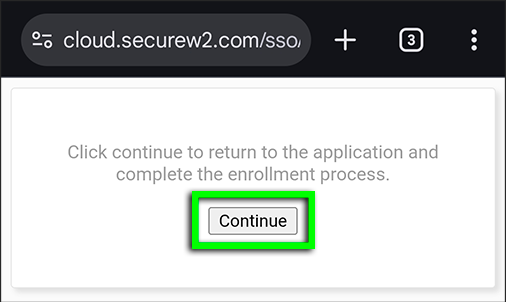
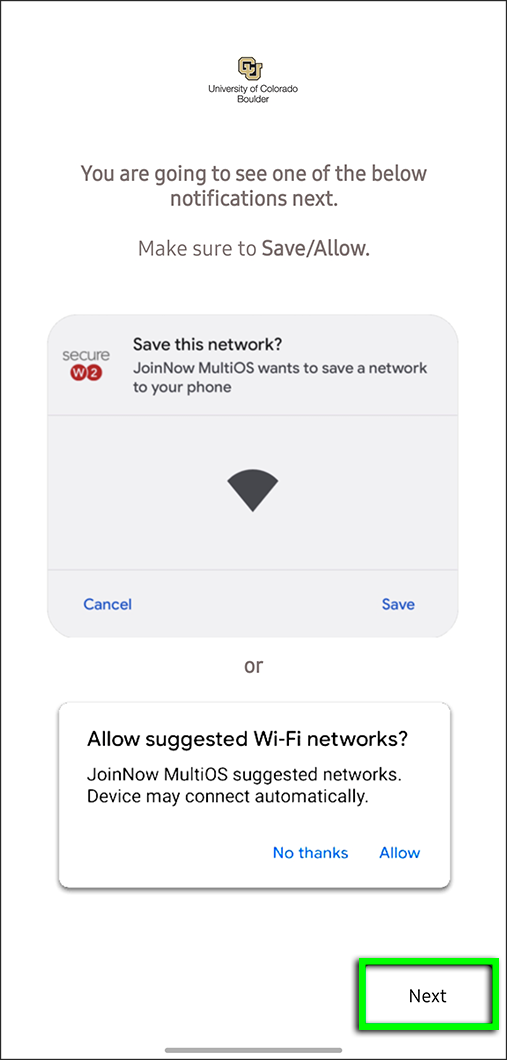
Step 12
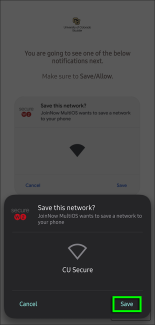
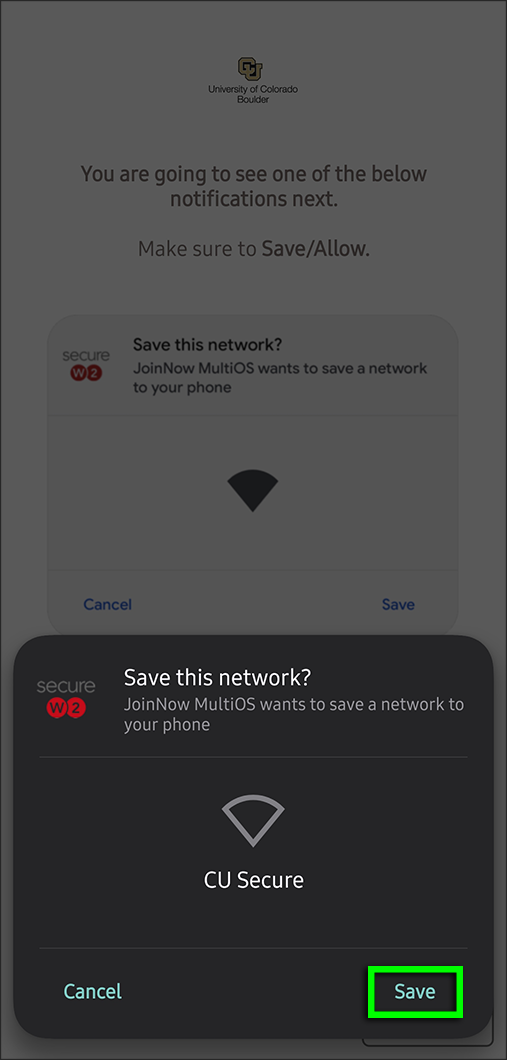
Step 13