
Step 1
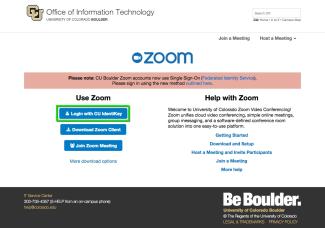
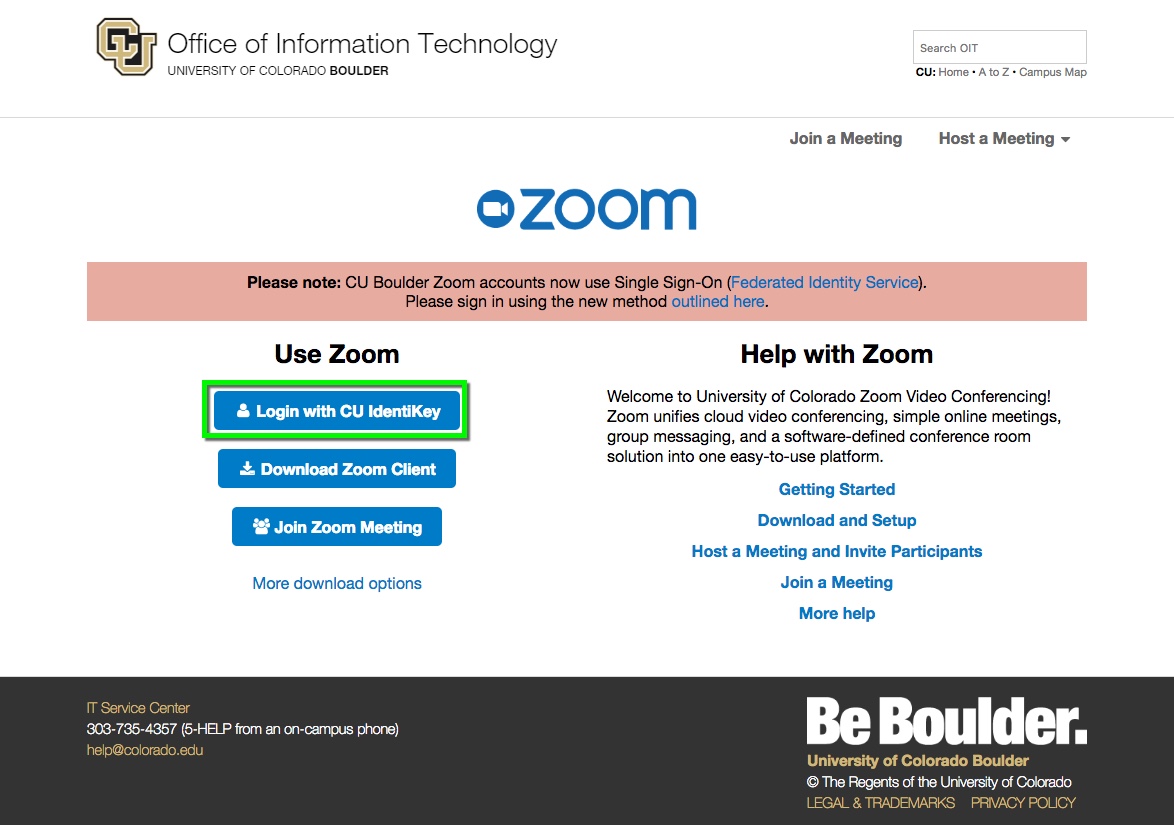
Navigate to the Zoom login page, then select Login with CU IdentiKey.
Step 2

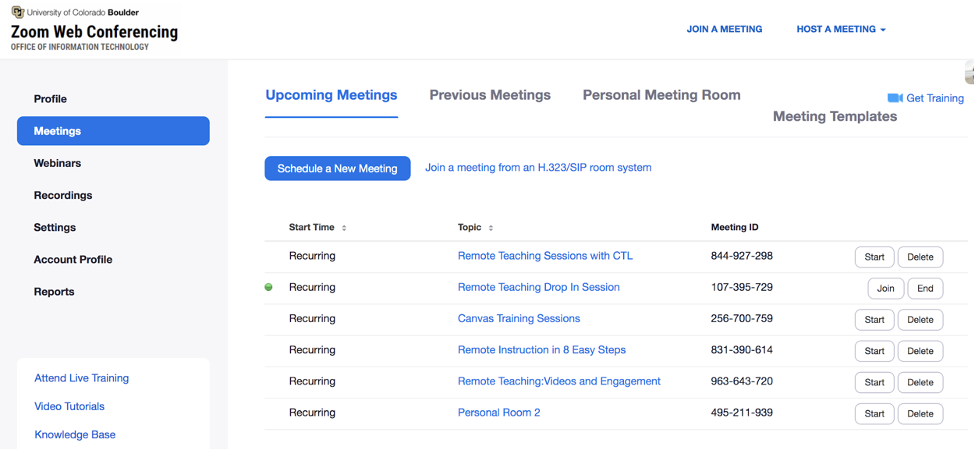

Step 4
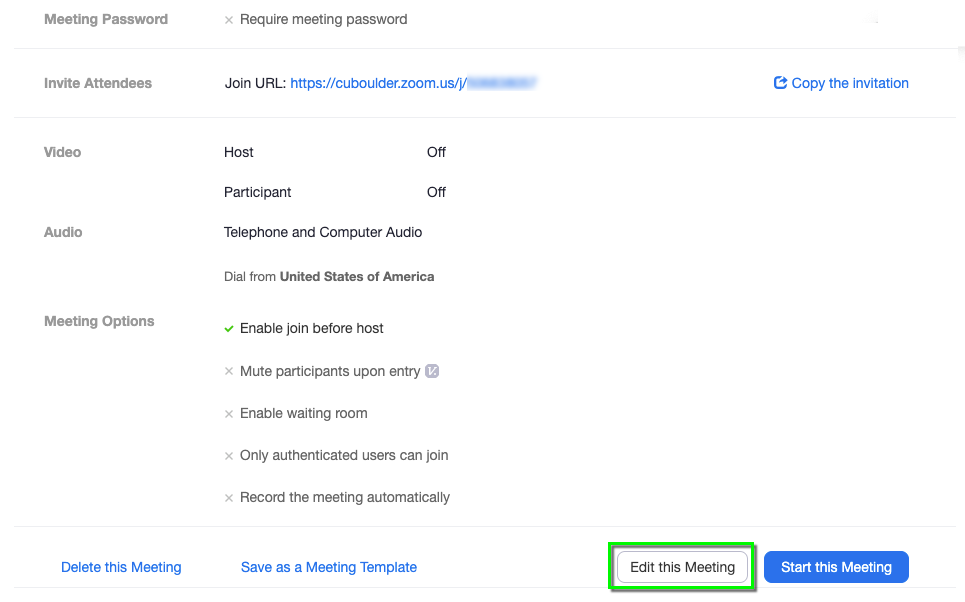
On the Edit Meeting page, scroll down to the bottom. In the Alternative Host field, enter the IdentiKeyUsername@colorado.edu email address for the alternative host you'd like to add. To add multiple hosts, separate them with a comma. Click Save.
Please note: Users must log in to the CU Boulder Zoom web portal at least once before being added as an alternative host to a Zoom meeting. If you receive an error, ask your alternative host to log in to the web portal.


Step 5
The user designated as an alternative host will receive a notification email with a link to start the meeting.


