
About File Sharing & Transfer Services
Which file sharing service are we supposed to use for large files? I thought that was the purpose of Large File Transfer (now Secure File Transfer)?
The Large File Transfer service was originally offered to provide CU Boulder faculty, staff and student employees with a way to send files that exceeded email attachment limits over an encrypted connection.
Microsoft 365 now meets most everyday file-sharing needs, including sharing large files. OneDrive supports individual files up to 250GB, and now Microsoft sensitivity labels can be used to apply additional protections to supported files.
Why isn't Google Drive one of the recommended file sharing services?
Google Drive remains available for collaboration using Google Docs, Sheets, Slides and Forms. However, because of Google Workspace storage limitations, OIT recommends OneDrive and SharePoint rather than Google Drive for storing and sharing large files.
OneDrive and SharePoint also integrate with CU Boulder's Microsoft sensitivity labels, which help classify information and apply appropriate protections to supported files. These capabilities support using Microsoft 365 for both everyday file sharing and sharing sensitive information when configured appropriately.
Sending Files Using SFT
Who can send files through CU Boulder's Secure File Transfer service?
CU Boulder faculty, staff and student employees can initiate file transfers to any email address. If you fall into one of these categories but are unable to use the service, contact the IT Service Center.
Who can I send files to?
Any CU Boulder employee can send a file to any individual with an email address. The service will not send files to email lists.
Does the recipient need to have a Secure File Transfer license to open the file?
No, only the person who sends the file needs to have a Secure File Transfer license.
How long is my file available for download by the person I send it to?
Once the recipient has been notified that a file is ready to download, they have 14 days to retrieve it. It can be downloaded as many times as is necessary in those 14 days. In the event that the Secure File Transfer service's software must be rolled back to an earlier version, files may not be preserved.
Is there a file size limit for this service?
There is no limit to the number of files you can send, and there is technically no file size limit; however, there is a limited amount of storage available for all users of the service. Please contact us if you are planning to share files greater than 200GB in size.
Where is Secure File Transfer data stored?
The Secure File Transfer server and all of the data are located on campus.
Troubleshooting
What should I do if I see an "Invalid username or password" error when I try to log in?
If you're a CU Boulder faculty member, staff member or student employee, this error likely means you haven't requested an SFT employee license. For step-by-step instructions, see our SFT employee license request tutorial.
If you're a CU Boulder student or affiliate, or if you're logging in with a non-colorado.edu email, this error likely means you need a password reset. Please contact the IT Service Center to start that process.
What should I do if I see a "link is inaccessible" or "file link is not valid" warning?
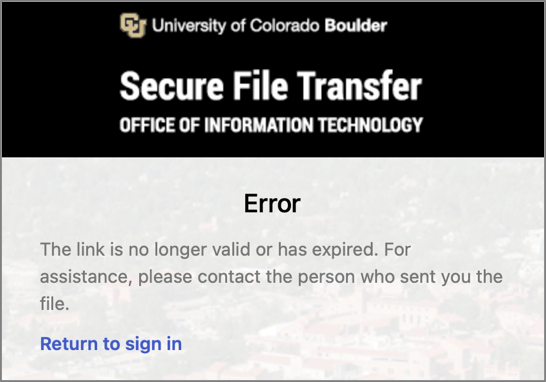
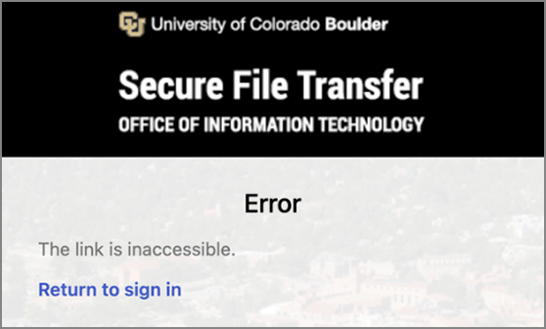
These warnings typically indicate that the file's access invitation was forwarded to you rather than sent directly by the original sender, or that the file share is past the 14-day limit.
To access the file, you will need to ask the original sender to reshare it with your email address.


