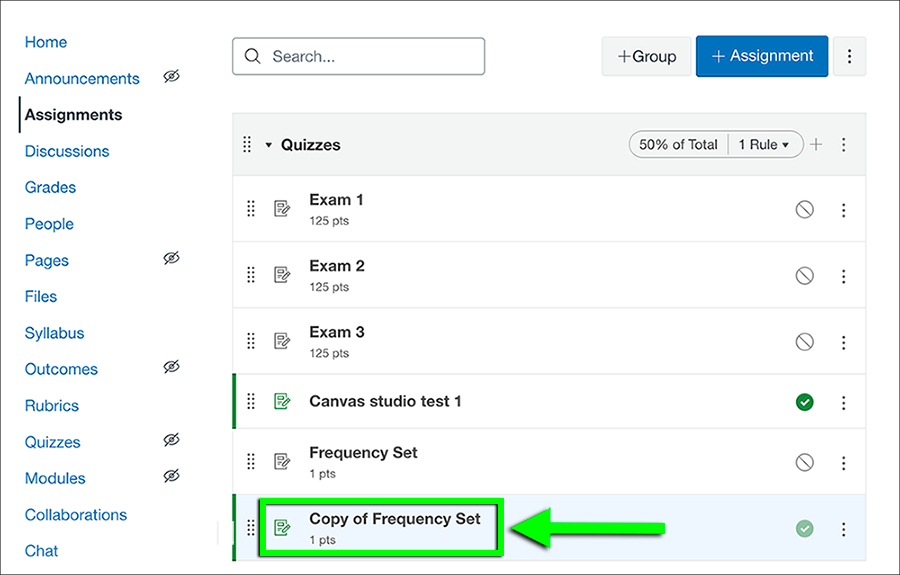
Step 1

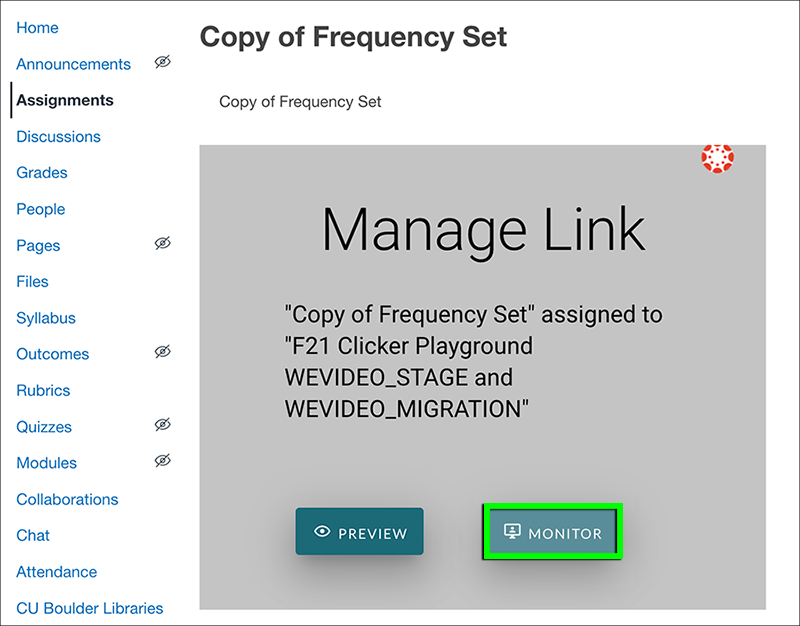
Step 3

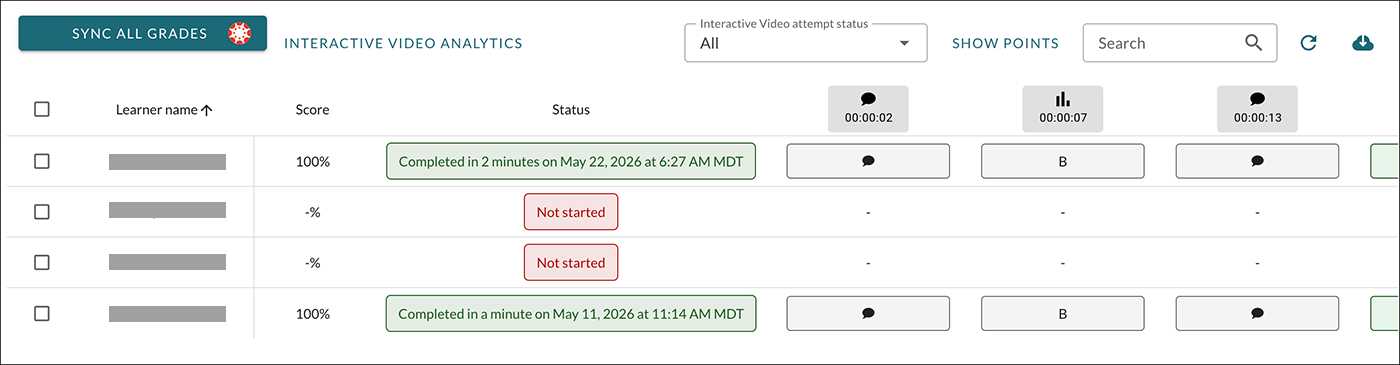
Step 4

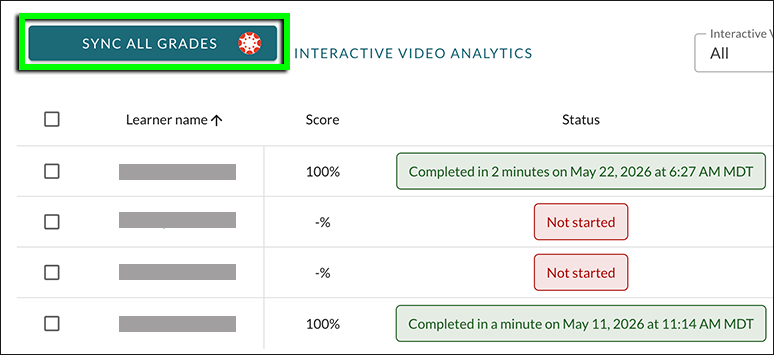
Step 5
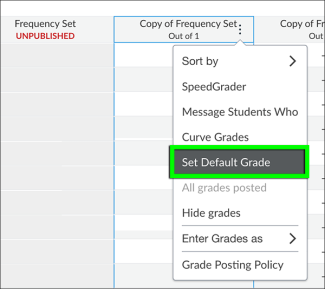
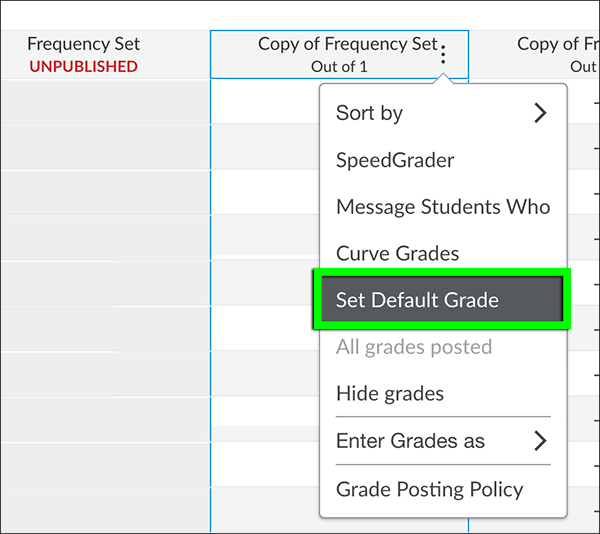
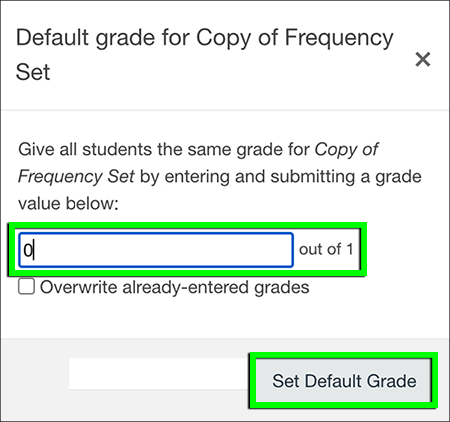
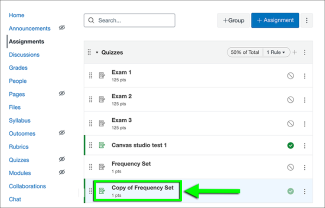
After the assignment is due, use the Default Grade option in the Canvas gradebook to award a zero for assignments that were not completed. Find the assignment in the Canvas gradebook and select Default Grade from the drop-down menu. (As an external tool, WeVideo grades will not automatically default to zero after the due date.)