Microsoft 365 Multi-Factor Authentication - Use TOTP in Authenticator App

Use these instructions to authenticate using TOTP (Time-Based One-Time Password) in the Microsoft Authenticator App. Follow the Register and Set up Authenticator App tutorial before trying to authenticate with TOTP. Learn more about MFA.

Layout:
one column
two columns

Step 1

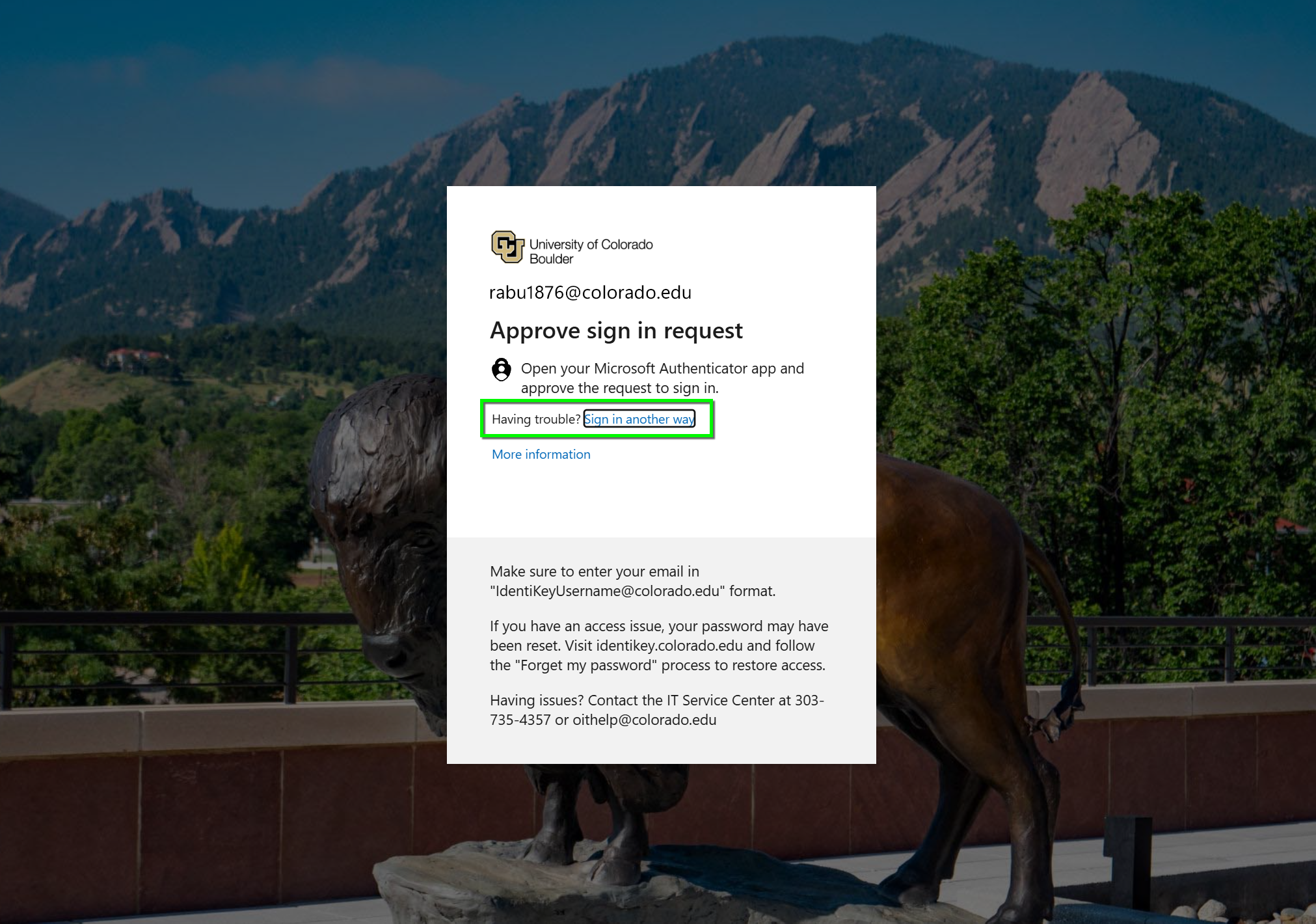
When prompted to authenticate, click sign in another way. 

Step 2

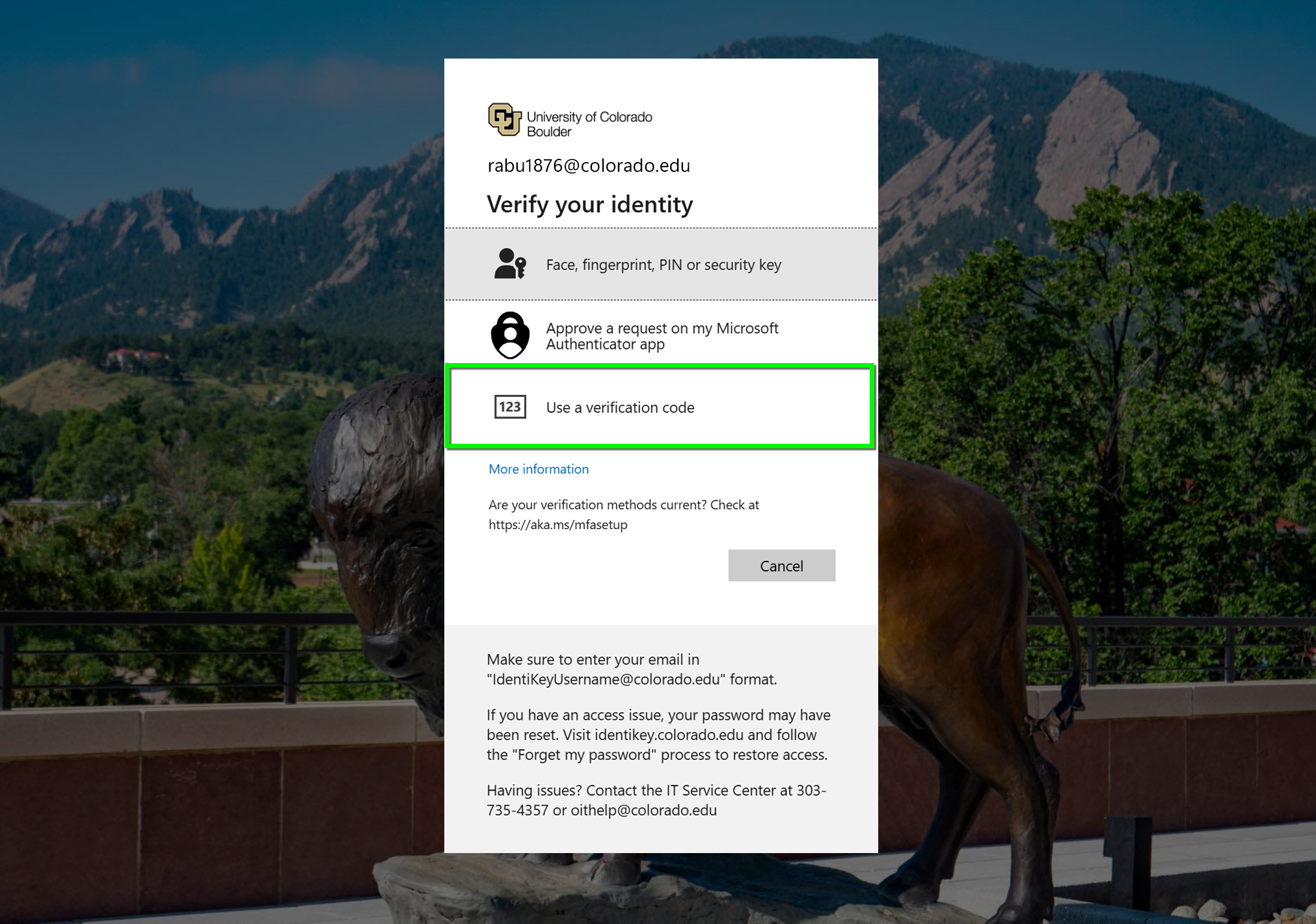
Select Use a verification code. 

Step 3

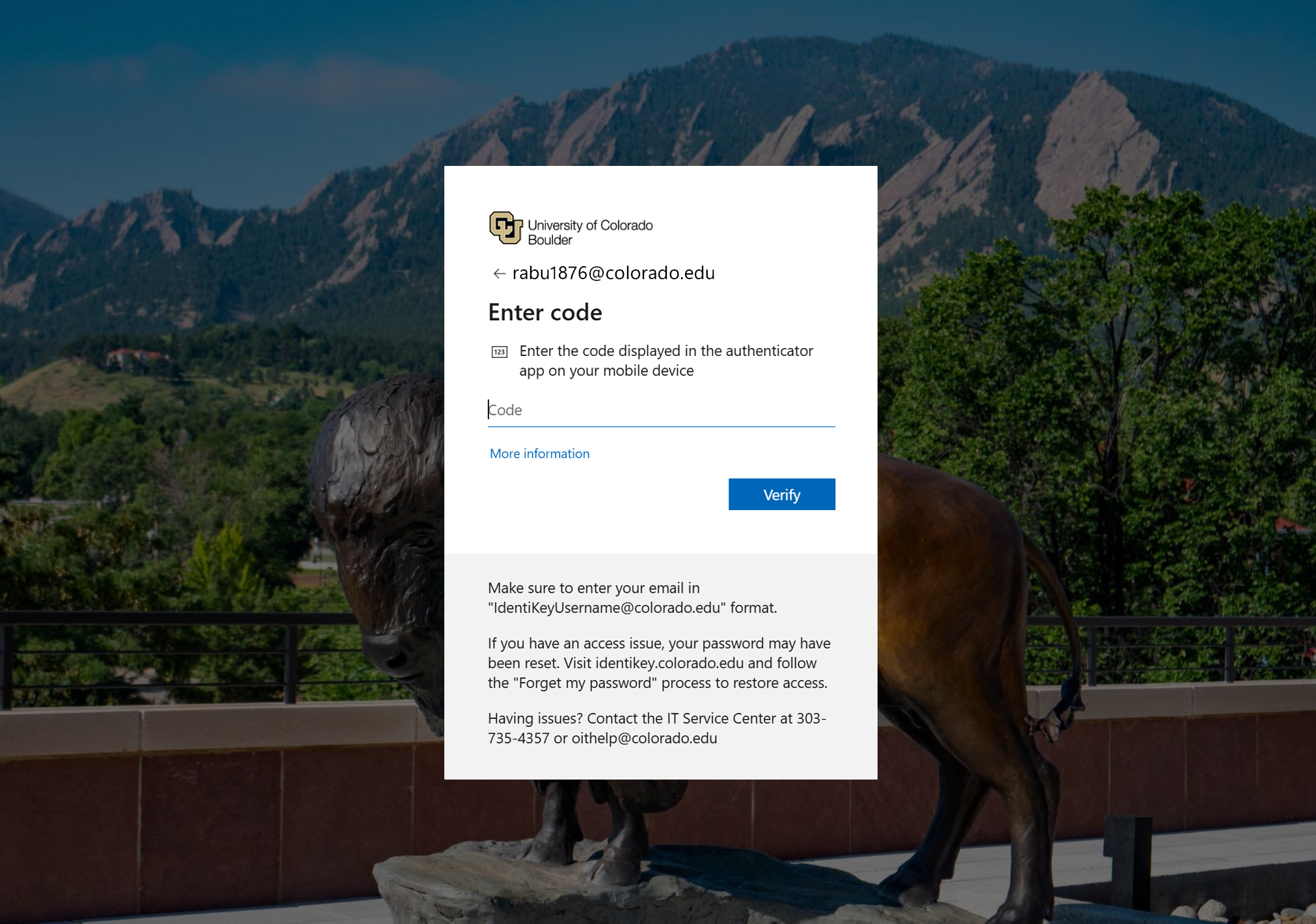
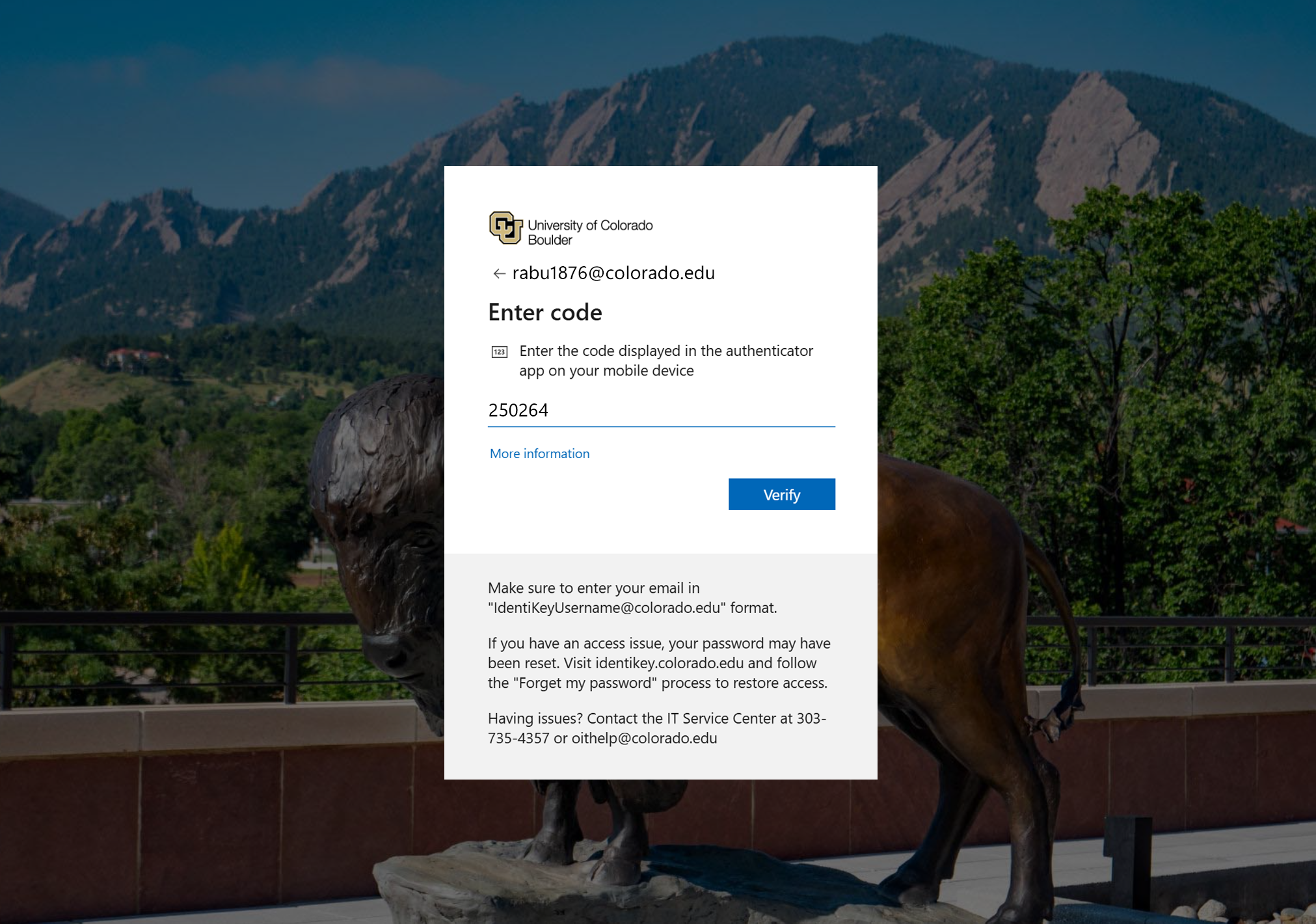
The window will ask for a one-time password code.

Step 4

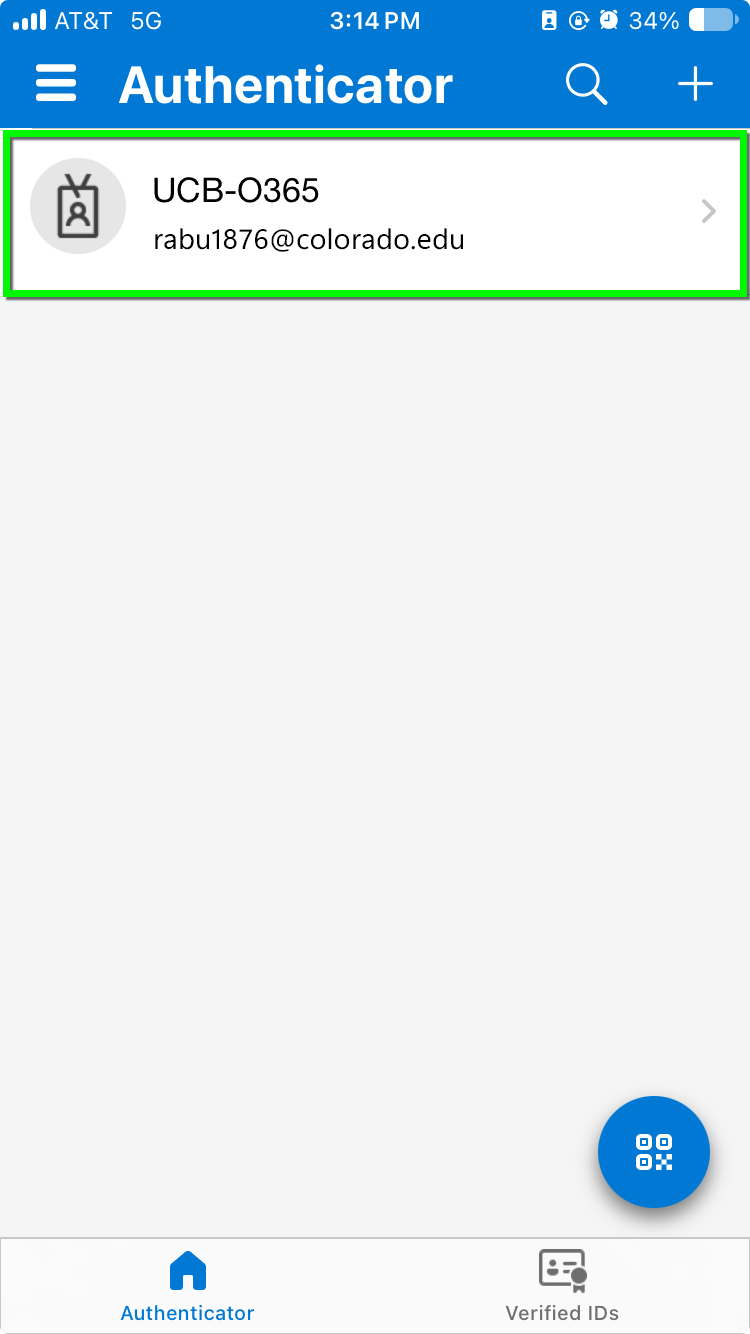
Open the Authenticator app on your mobile device and select your CU Boulder profile 

Step 5

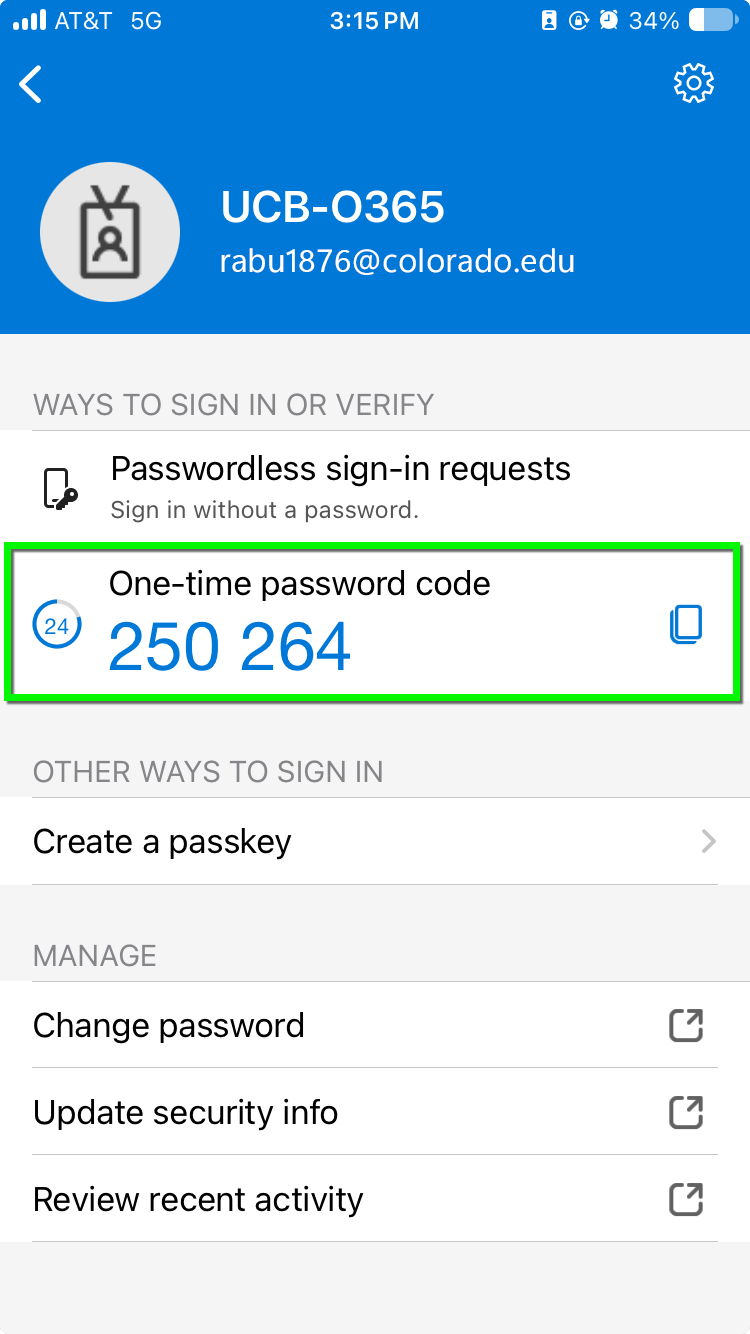
Find the One-time password code. 

Step 6

Enter the code and click Verify to complete authentication.