Step 1
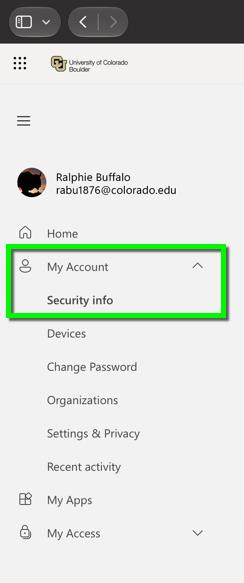
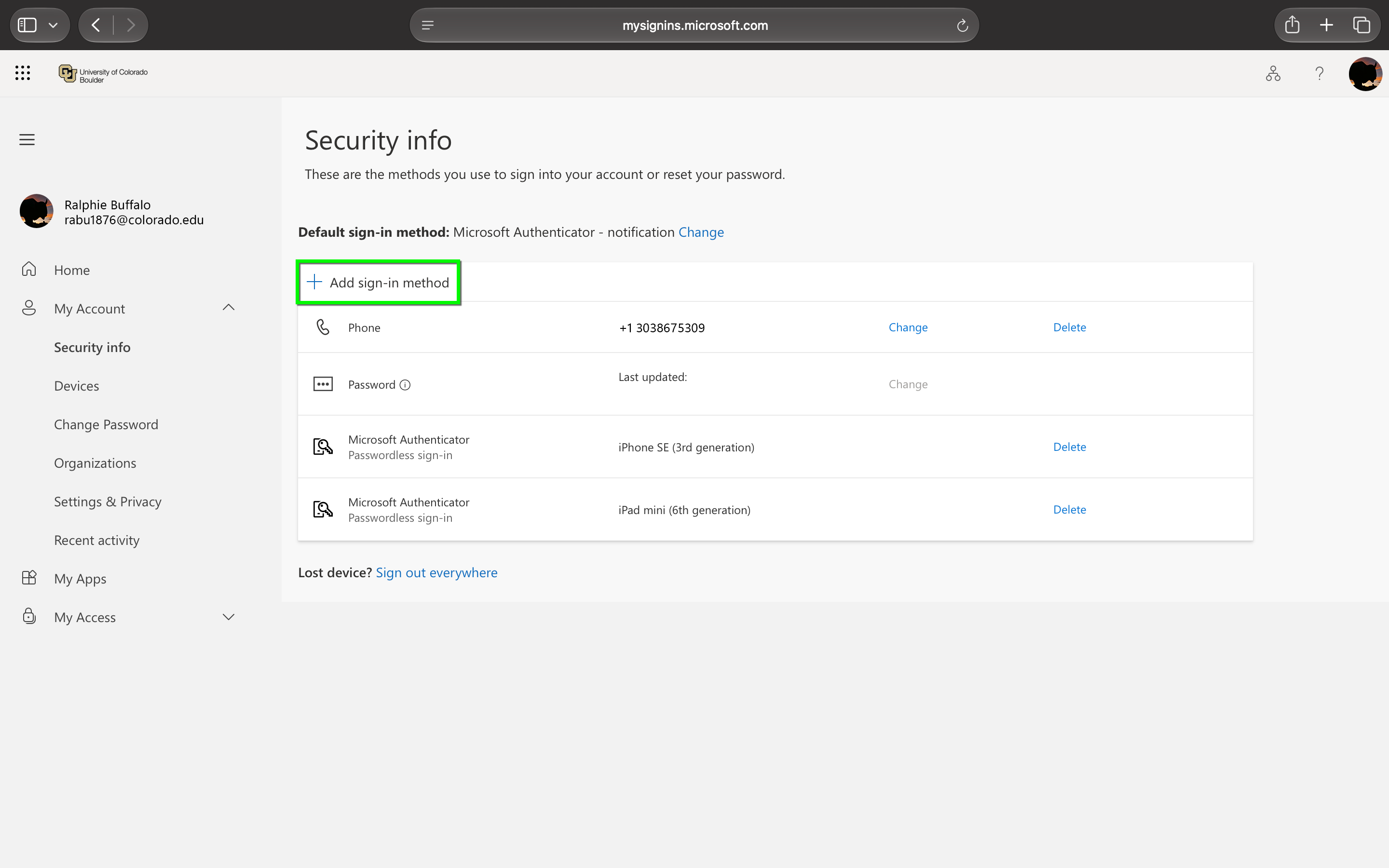
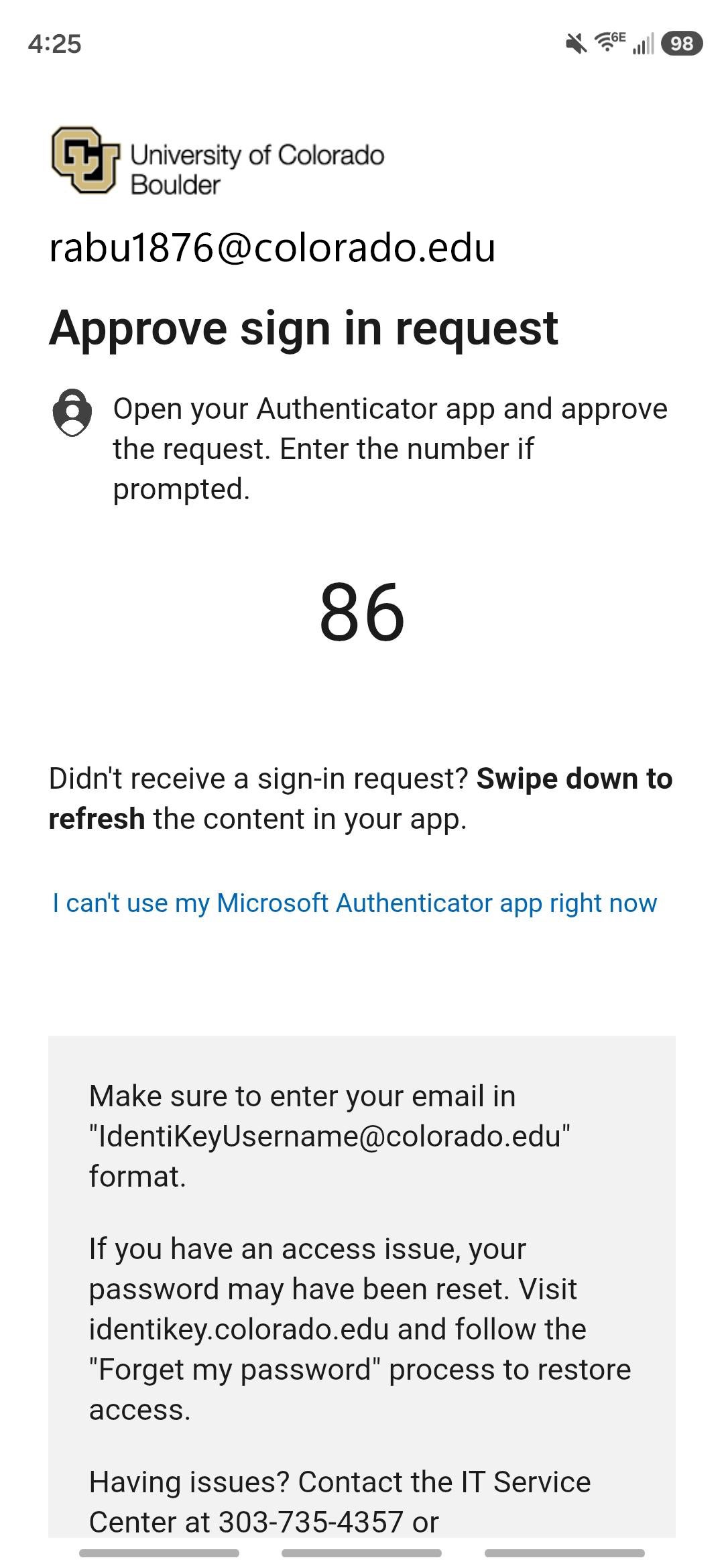
Log in to the Microsoft 365 My Account page. Expand the My Account section and select Security Info. You will be prompted to authenticate with MFA.

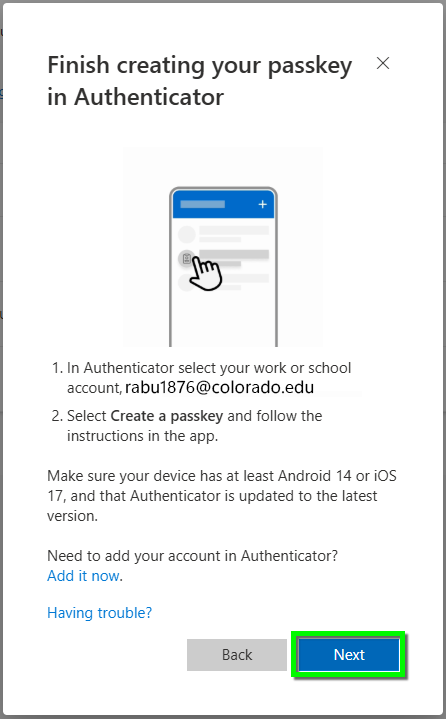
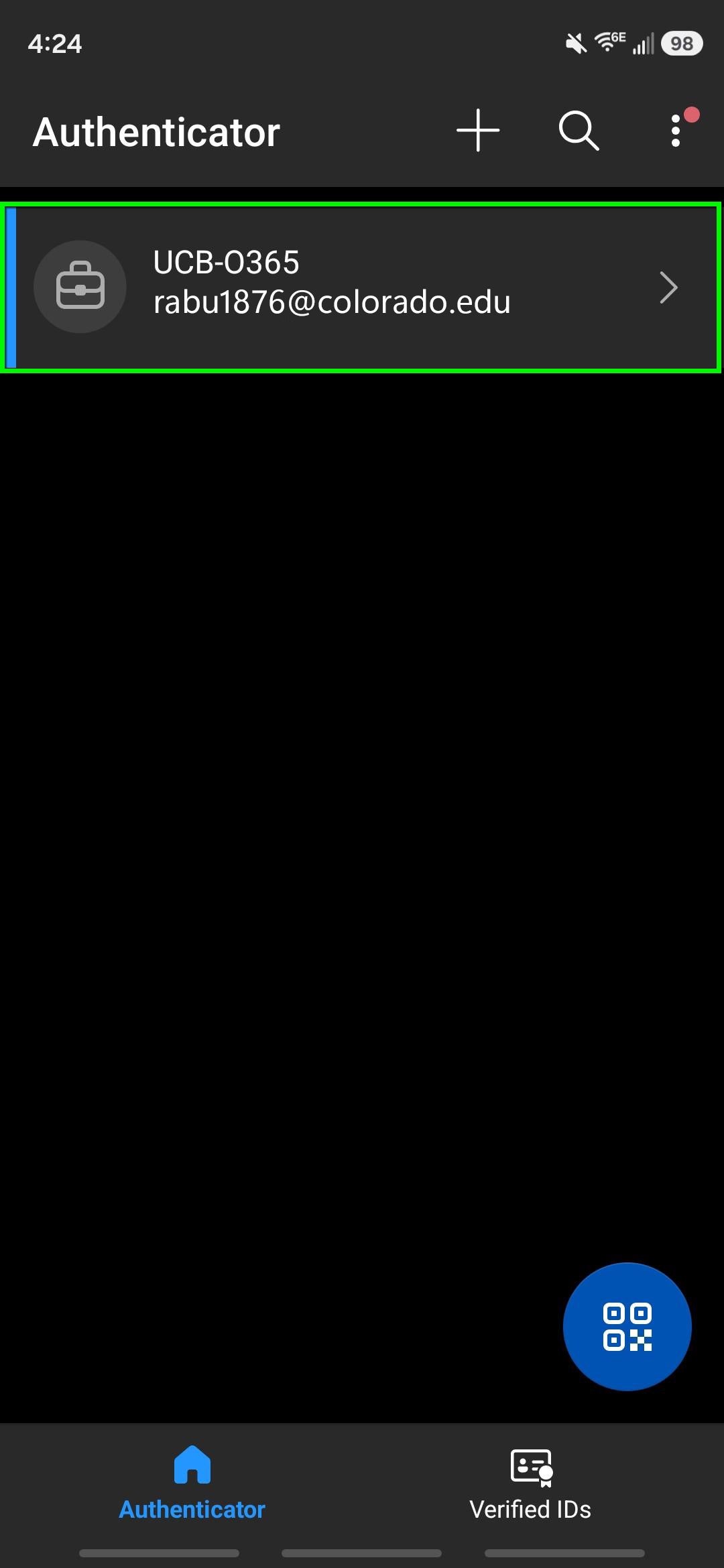
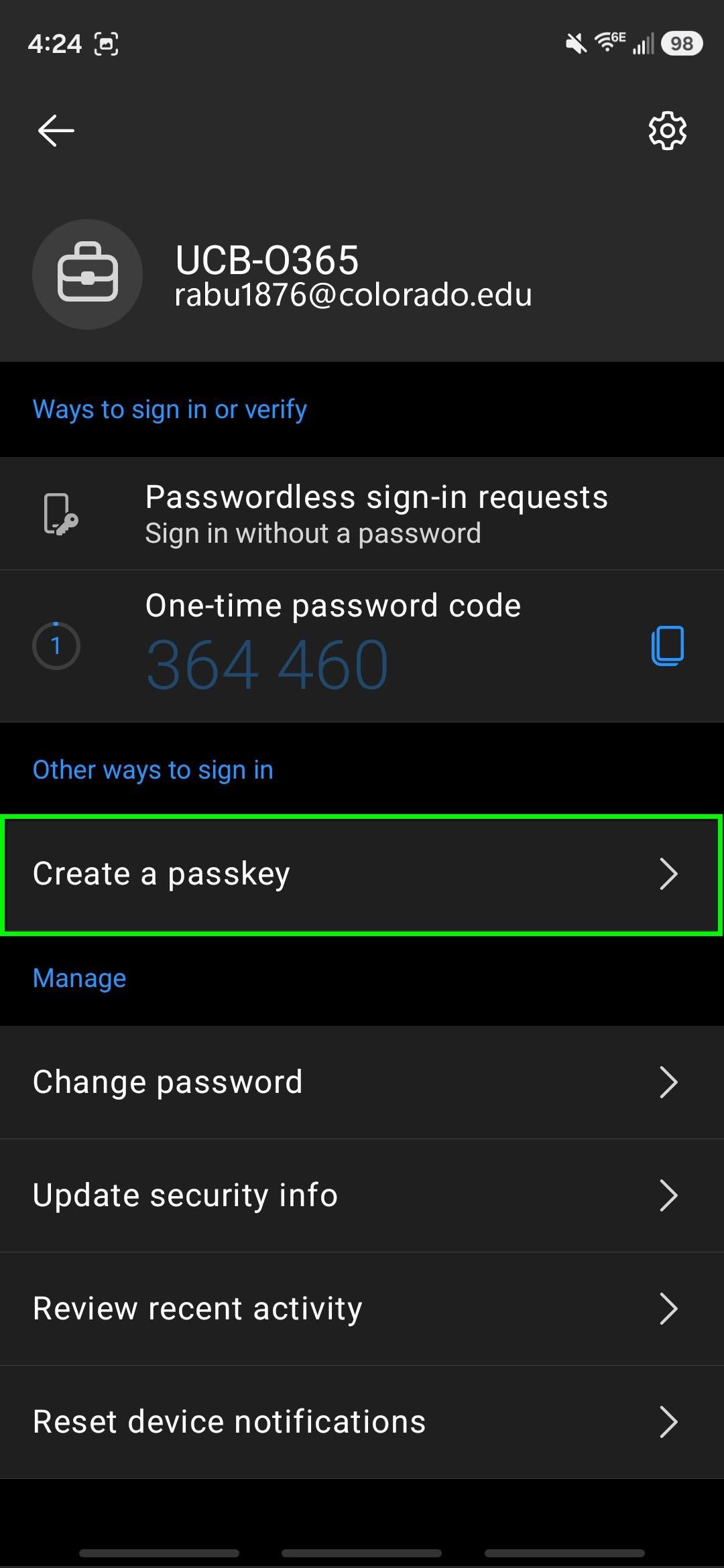
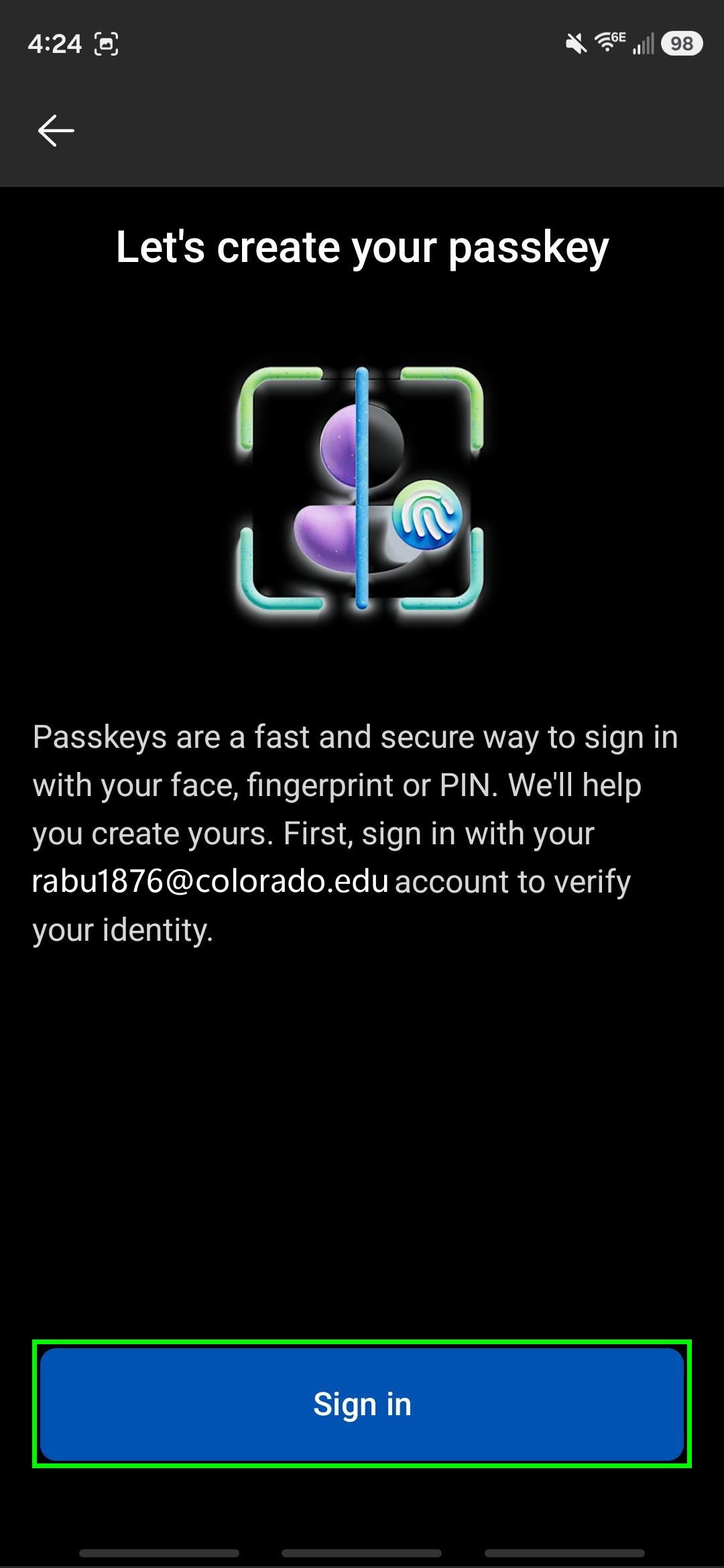
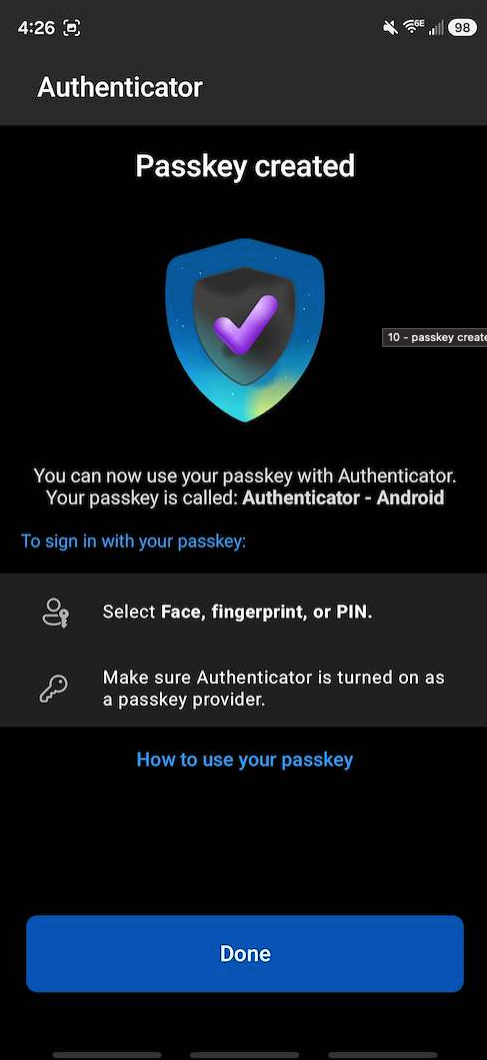
Use these instructions to set up a Passkey in the Microsoft Authenticator App for Android devices. To access and update your current Microsoft MFA settings, use the Find and Update Security Info tutorial. Learn more about Microsoft MFA.
Log in to the Microsoft 365 My Account page. Expand the My Account section and select Security Info. You will be prompted to authenticate with MFA.