Step 1
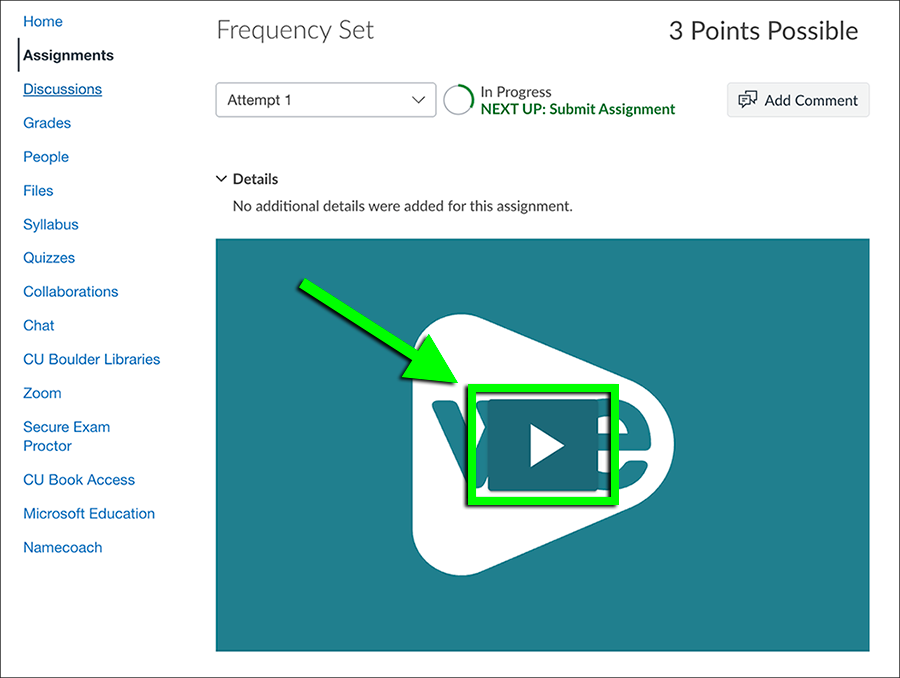
Log in to Canvas and go to the course where the interactive video is located. Select Assignments from the left sidebar, then select the assignment that includes the interactive video.
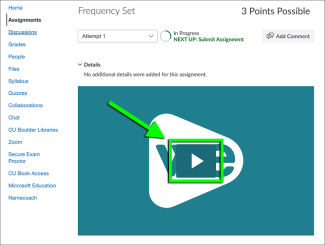
Click the play button on the interactive video to begin.
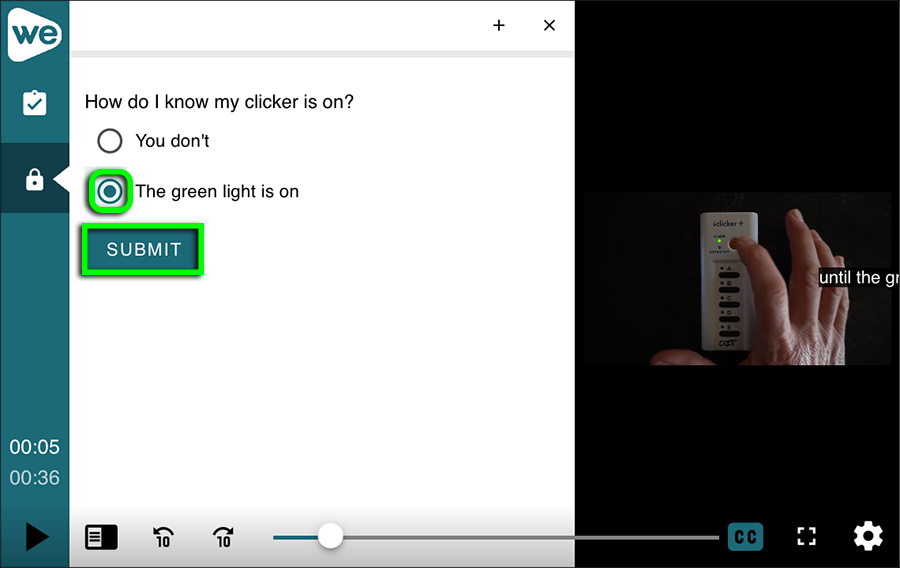
Step 3

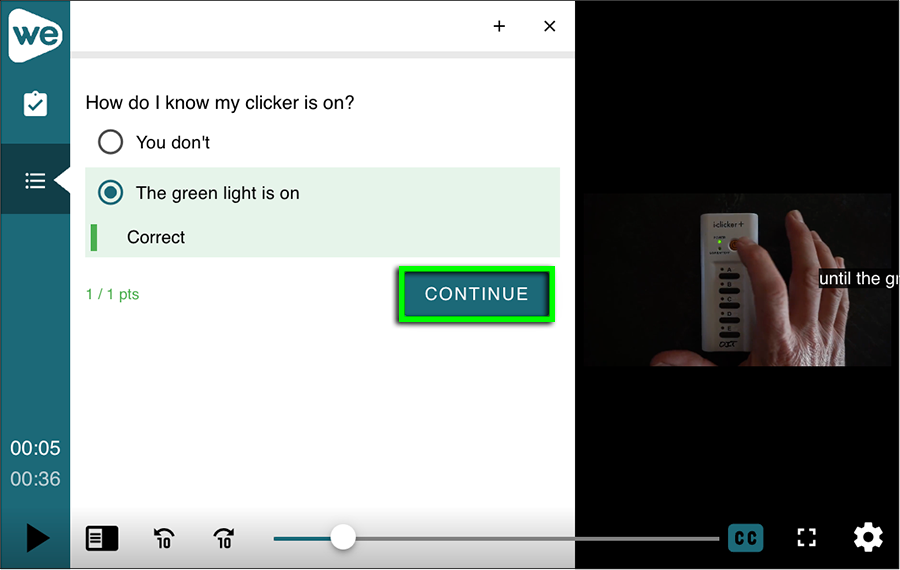
Step 4
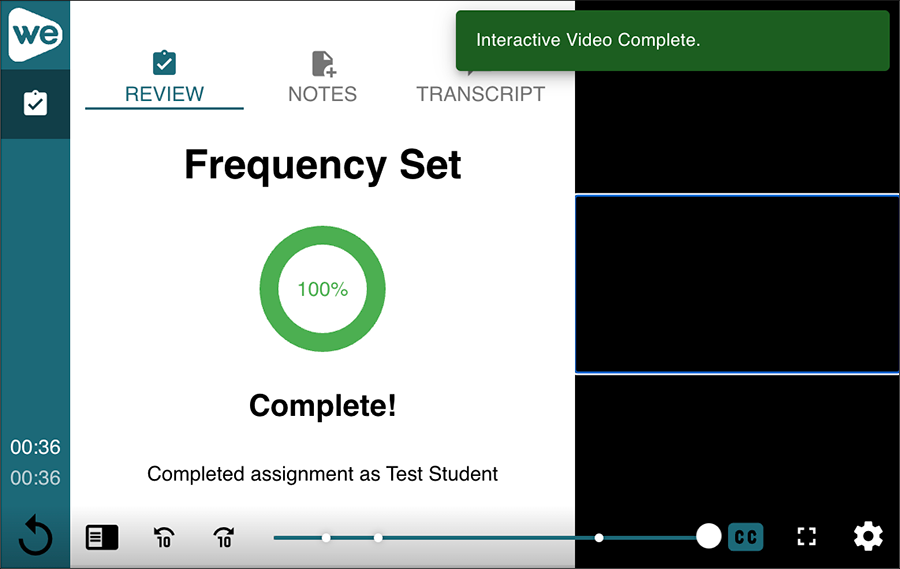
At the end of the interactive video, you will see a screen that gives your score. Do not close this window until you see an "Interactive Video Complete" notification.
Whether you are able to see your grade depends on the way the instructor configured the assignment. Contact your instructor for more information.